Access your Back Office at your fingertips.
Download the app now on Google Play Store.
Scan the QR code
You can also scan QR code with your phone to download the app.
Where do I see a user’s mandates on the Lendsqr admin console?
Updated
On this page
As a lender on the Lendsqr admin console, you have the ability to view all the direct debit mandates linked to your customers.
Mandates are crucial in digital lending because they reduce the chances of missed or delayed payments. Once a mandate is activated, the lender can debit the customer’s account on scheduled dates, improving repayment consistency and reducing default risks.
You can see a customer’s mandates in either of two places: the standalone Direct Debits page (search for the customer by name), or directly on the customer’s own profile page.
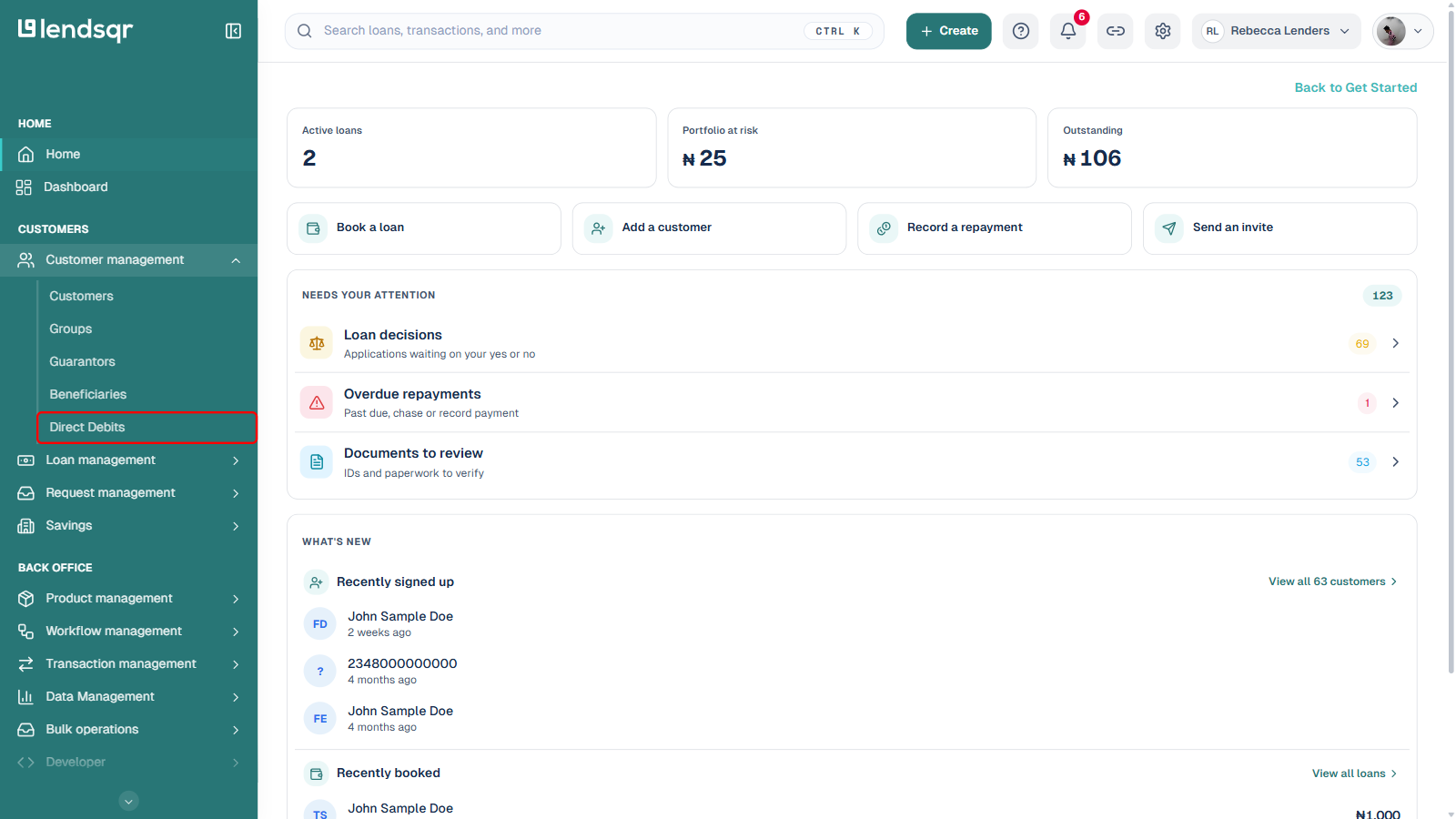
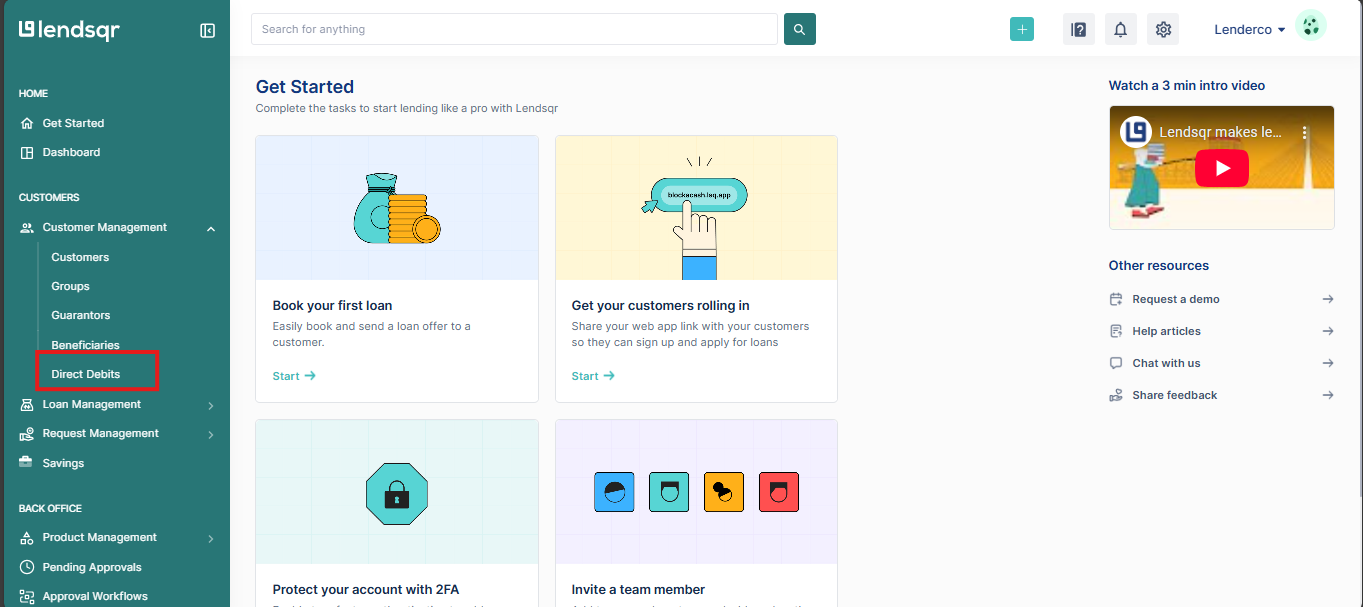
In the left navigation, under Customers, expand Customer management and select Direct Debits.
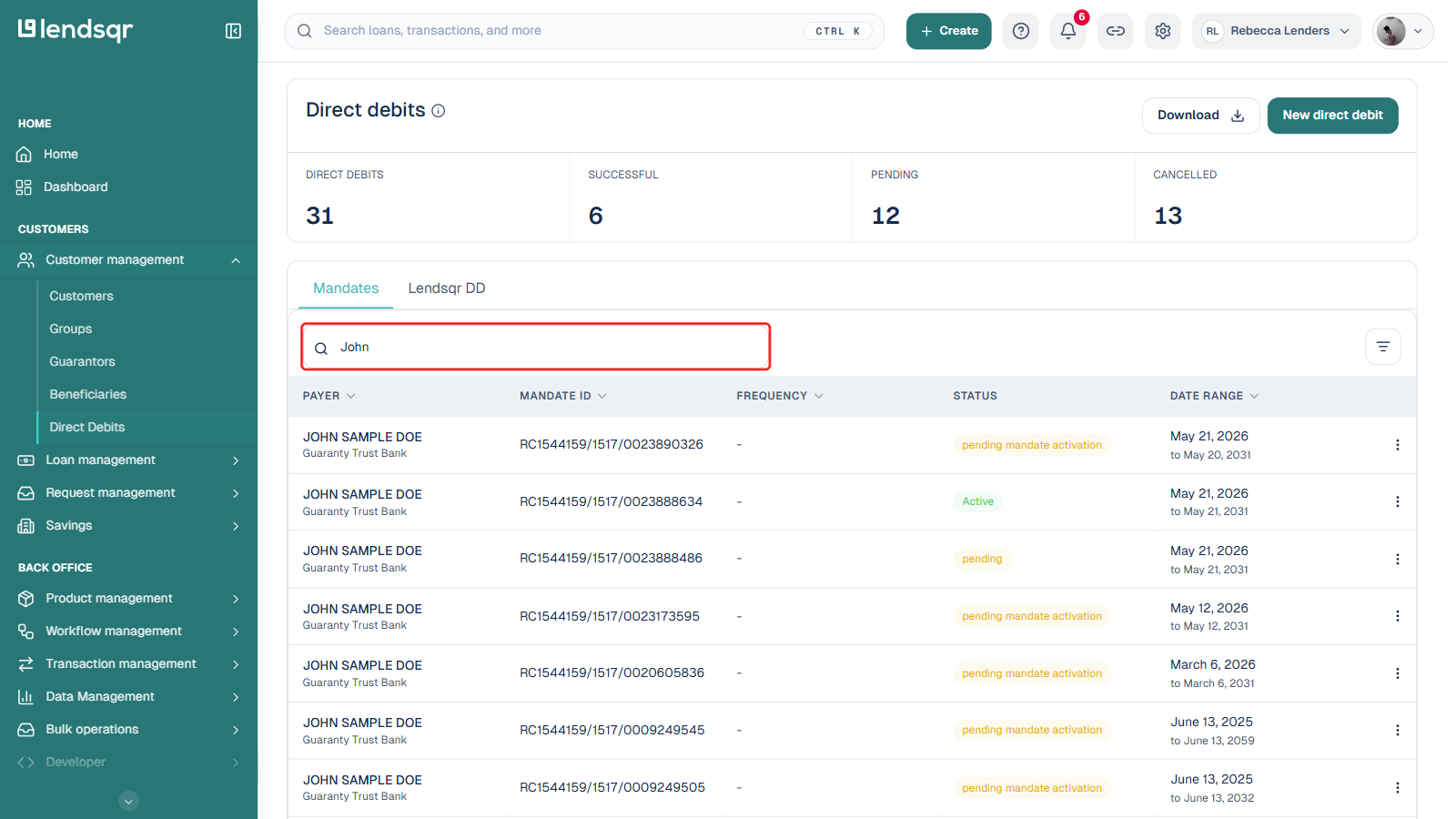
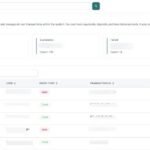
Type the customer’s name into the search box above the mandates table. The table filters down to that customer’s mandates as you type.
Each row shows the mandate’s bank, mandate ID, frequency, status, and date range. Green-tinted labels such as Active or Successful mean the mandate is live, an amber label such as pending mandate activation means it is still being processed, and a red cancelled label means it is no longer usable.
If you do not see a mandate you expect, check the Lendsqr DD tab as well: the page splits mandates into Mandates (processed through your configured payment providers) and Lendsqr DD (created directly from the admin console, or bank-mandate-based). See How to view Lendsqr Direct Debit mandates on the admin console for more on the two tabs.
Click a row to open the mandate’s detail page for its full information, including bank, account, amount, provider, and activity dates.
Viewing a customer’s mandates from their profile page
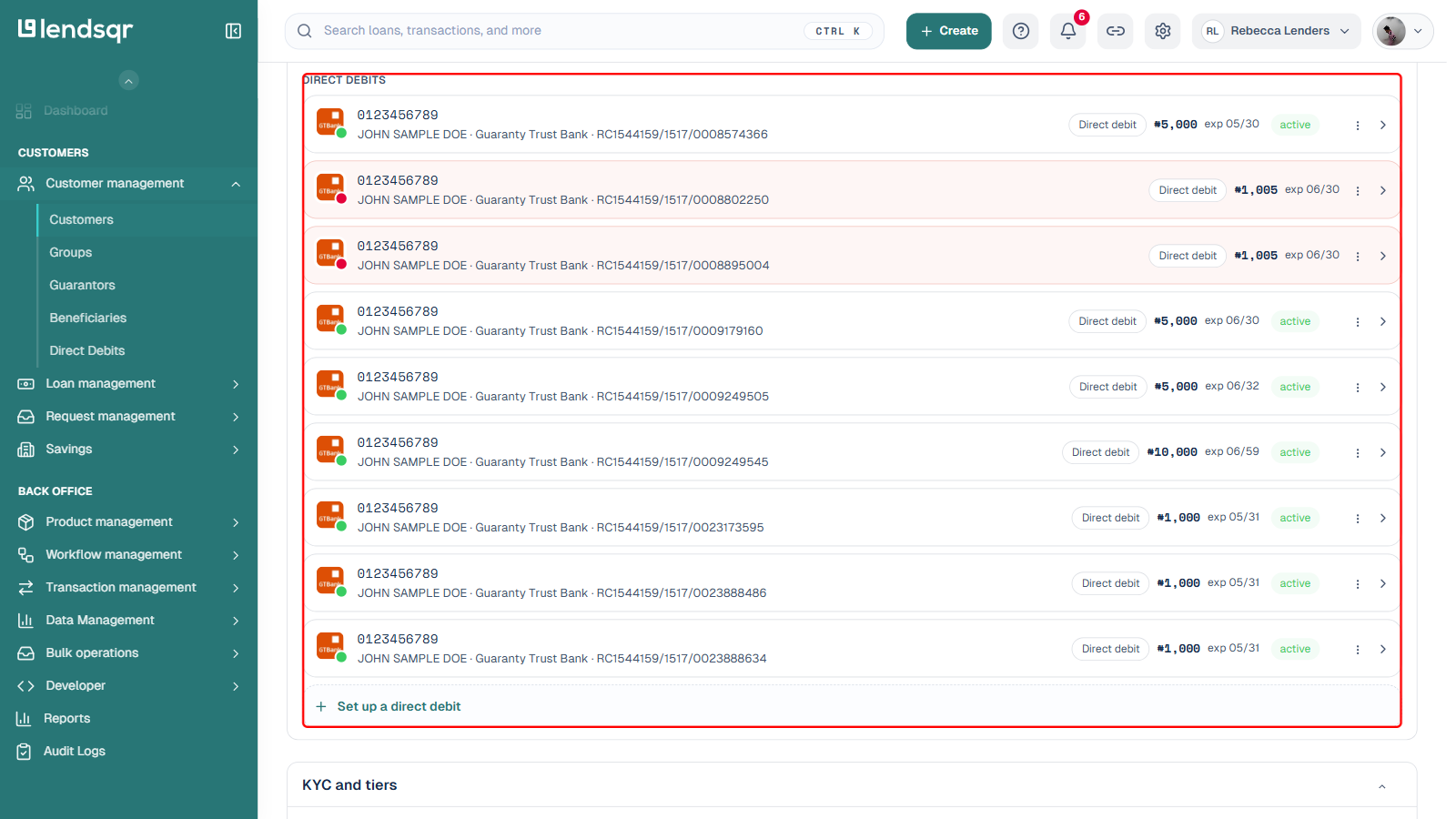
Alternatively, if you already have a specific customer’s profile page open, scroll to the Payment methods section on the General Details tab. The Direct debits subsection there lists all of that customer’s mandates, each with its bank, mandate ID, amount, expiry date, and status.