Access your Back Office at your fingertips.
Download the app now on Google Play Store.
Scan the QR code
You can also scan QR code with your phone to download the app.
How to set direct debit as a loan repayment method
Updated
On this page
Among the various loan repayment methods available to match borrower profiles, direct debit stands out for its reliability and simplicity.
This payment method provides lenders with a convenient way to automatically retrieve funds from a customer’s account exactly when their loan repayment is due, ensuring timely collections and reducing the risk of defaults.
How to enable direct debit on a loan product
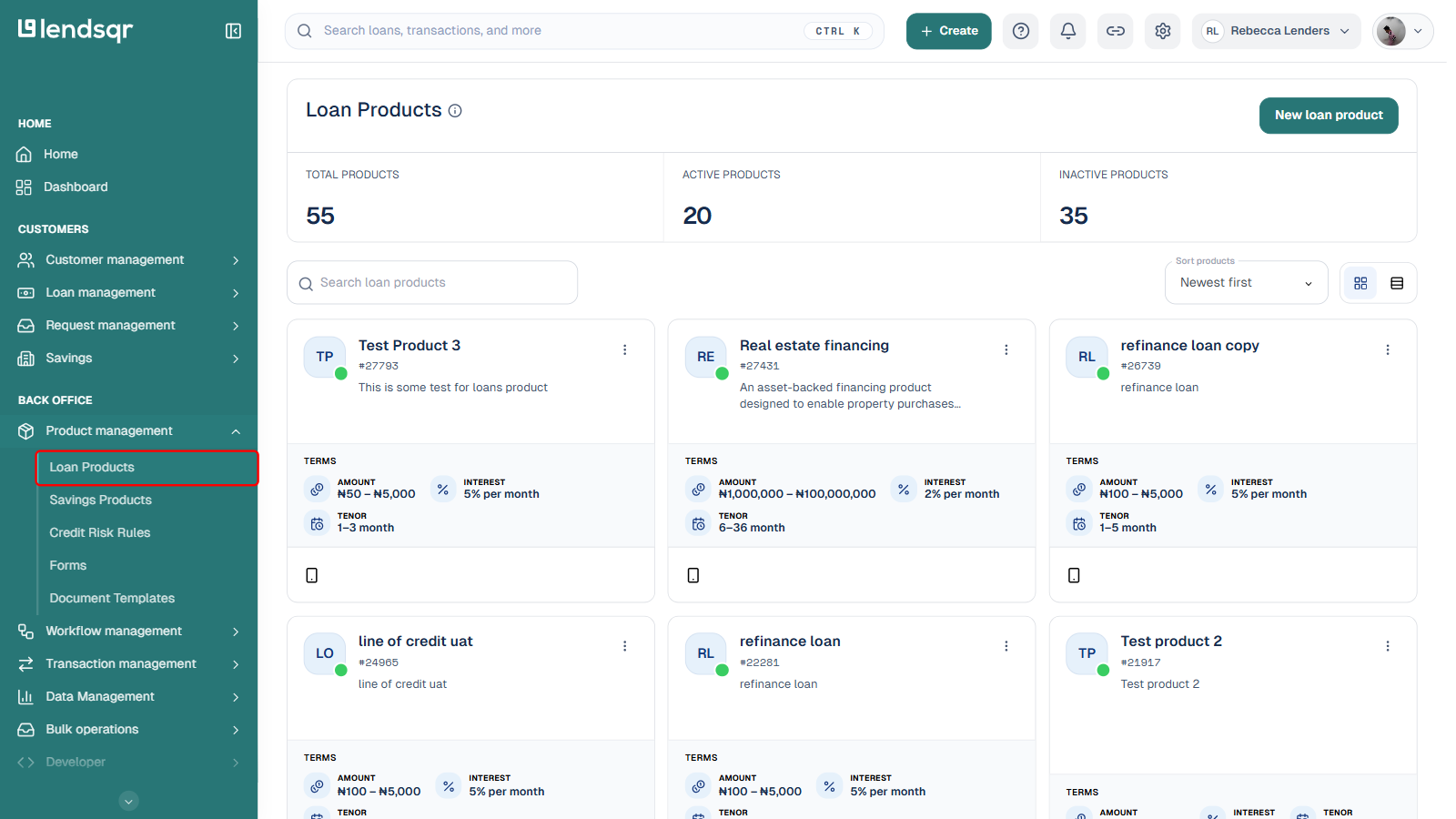
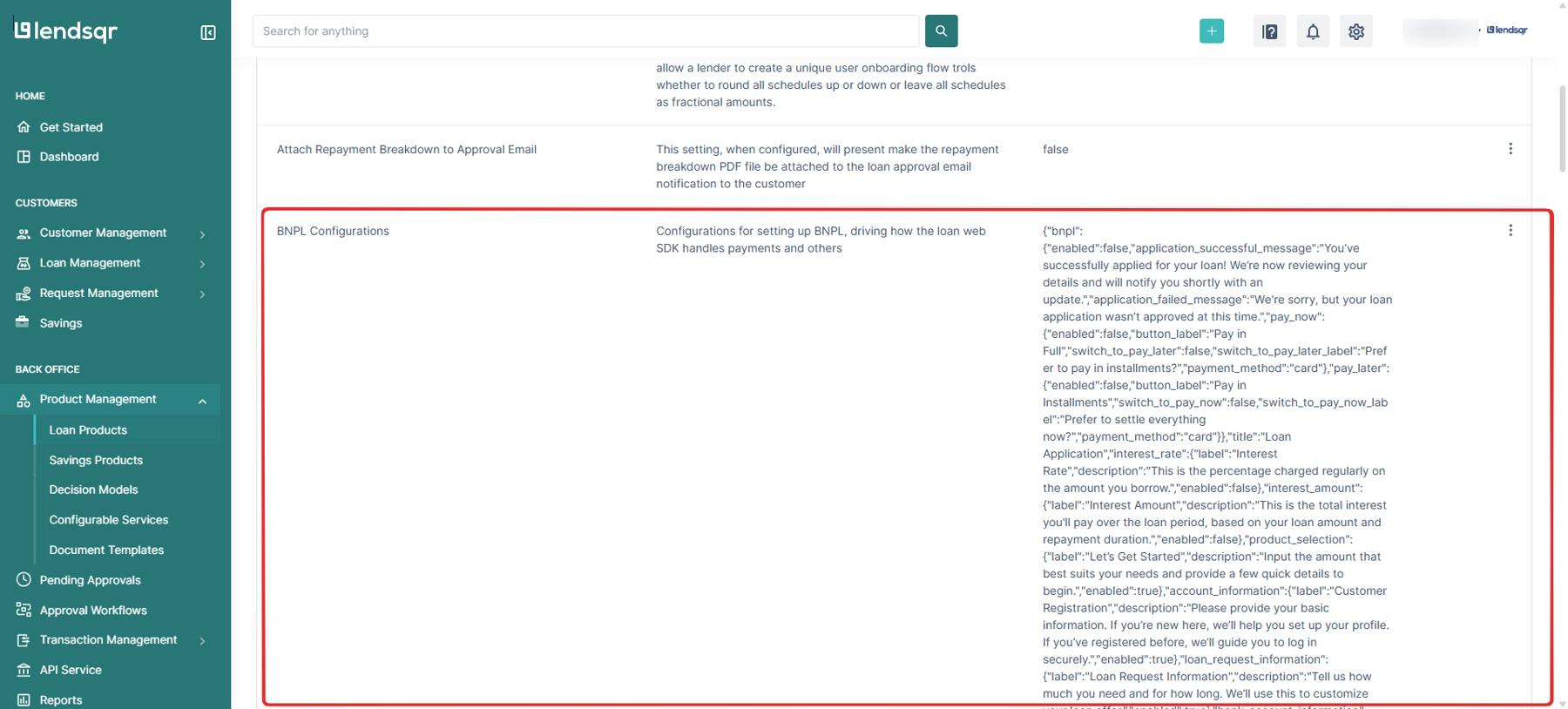
Log in to the Lendsqr admin console. In the left navigation, under Back Office, expand Product management and select Loan Products.
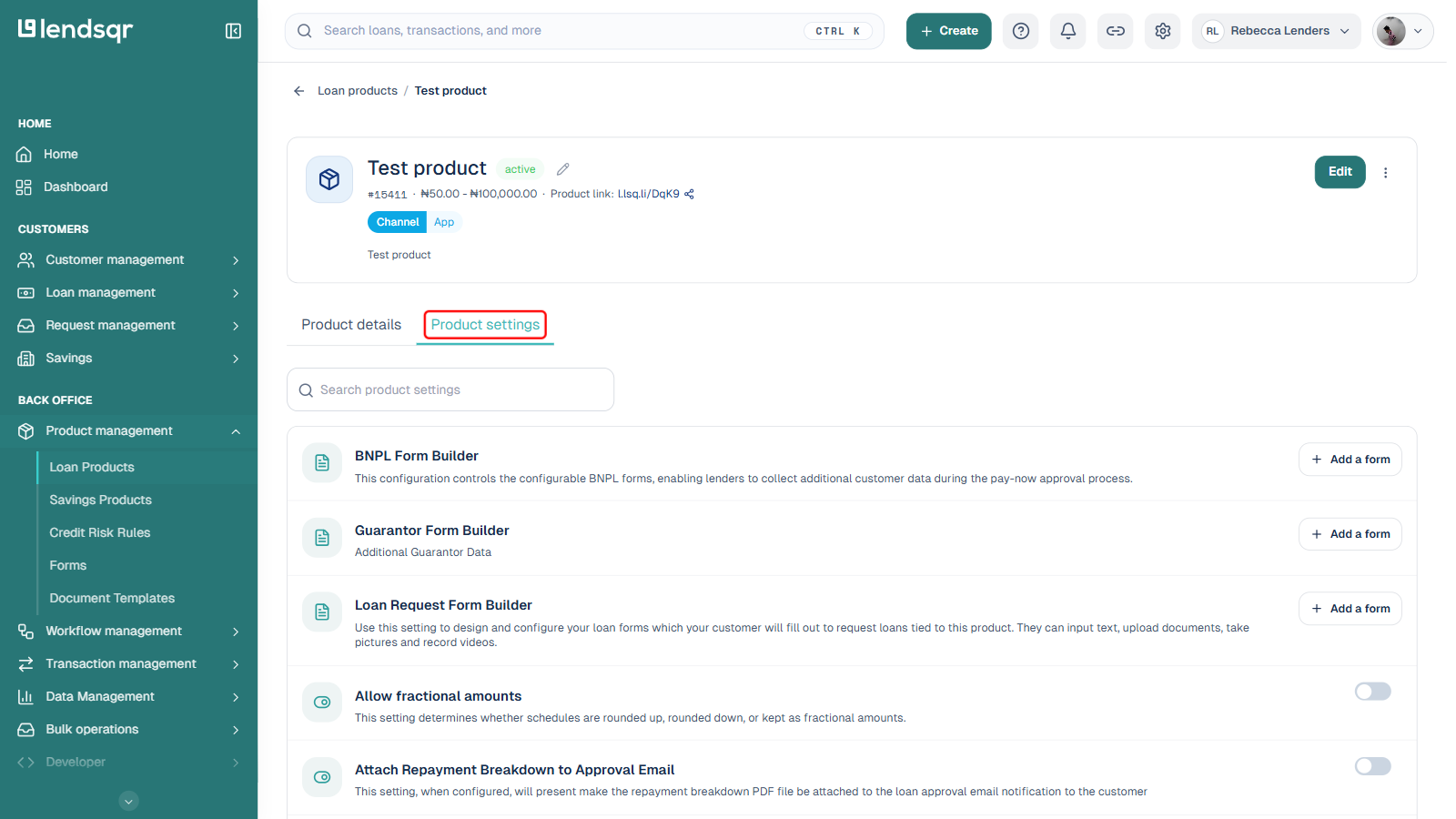
Open the loan product you want to configure, and select the Product settings tab on its detail page.
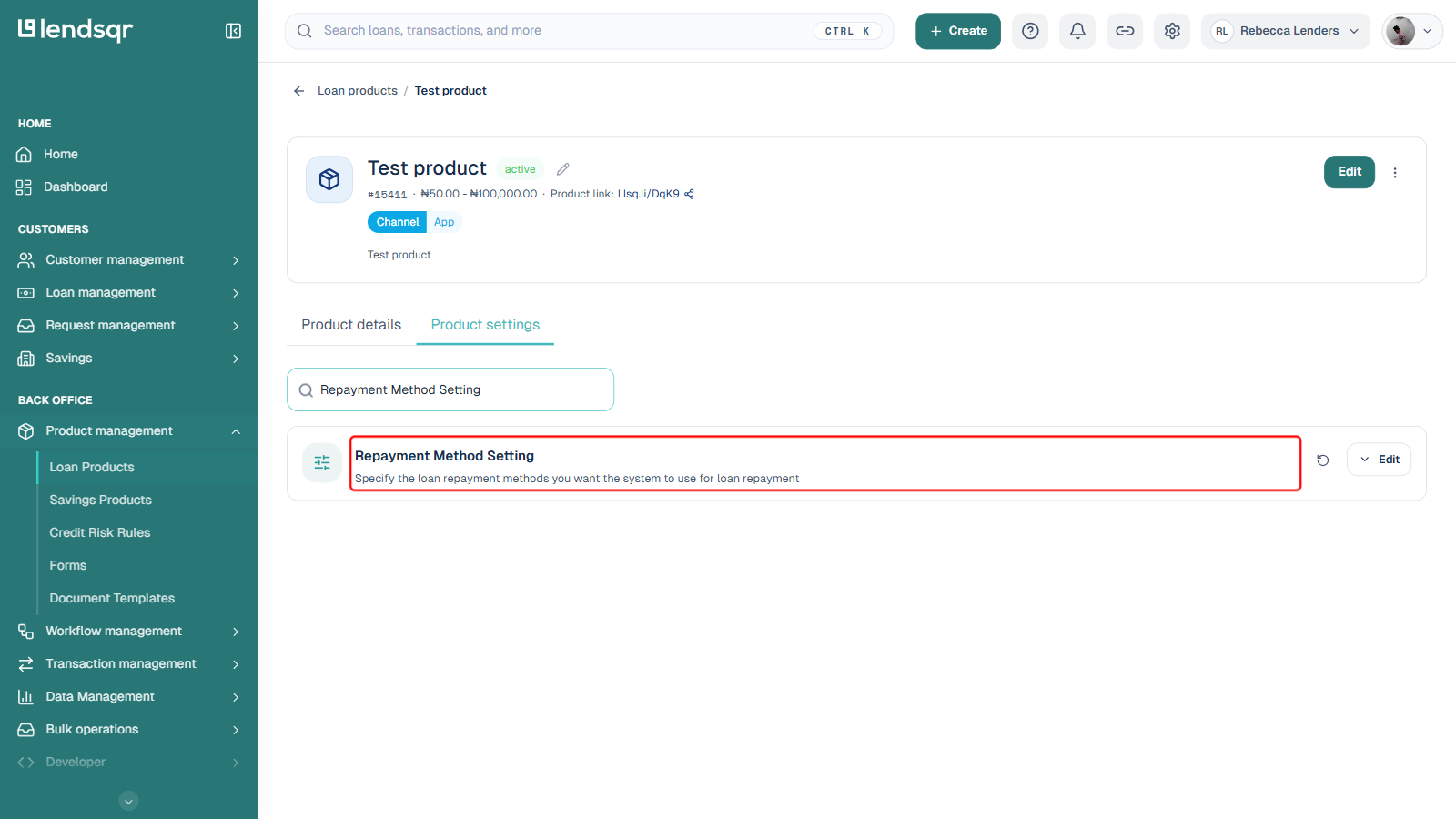
Find Repayment Method Setting and click Edit.
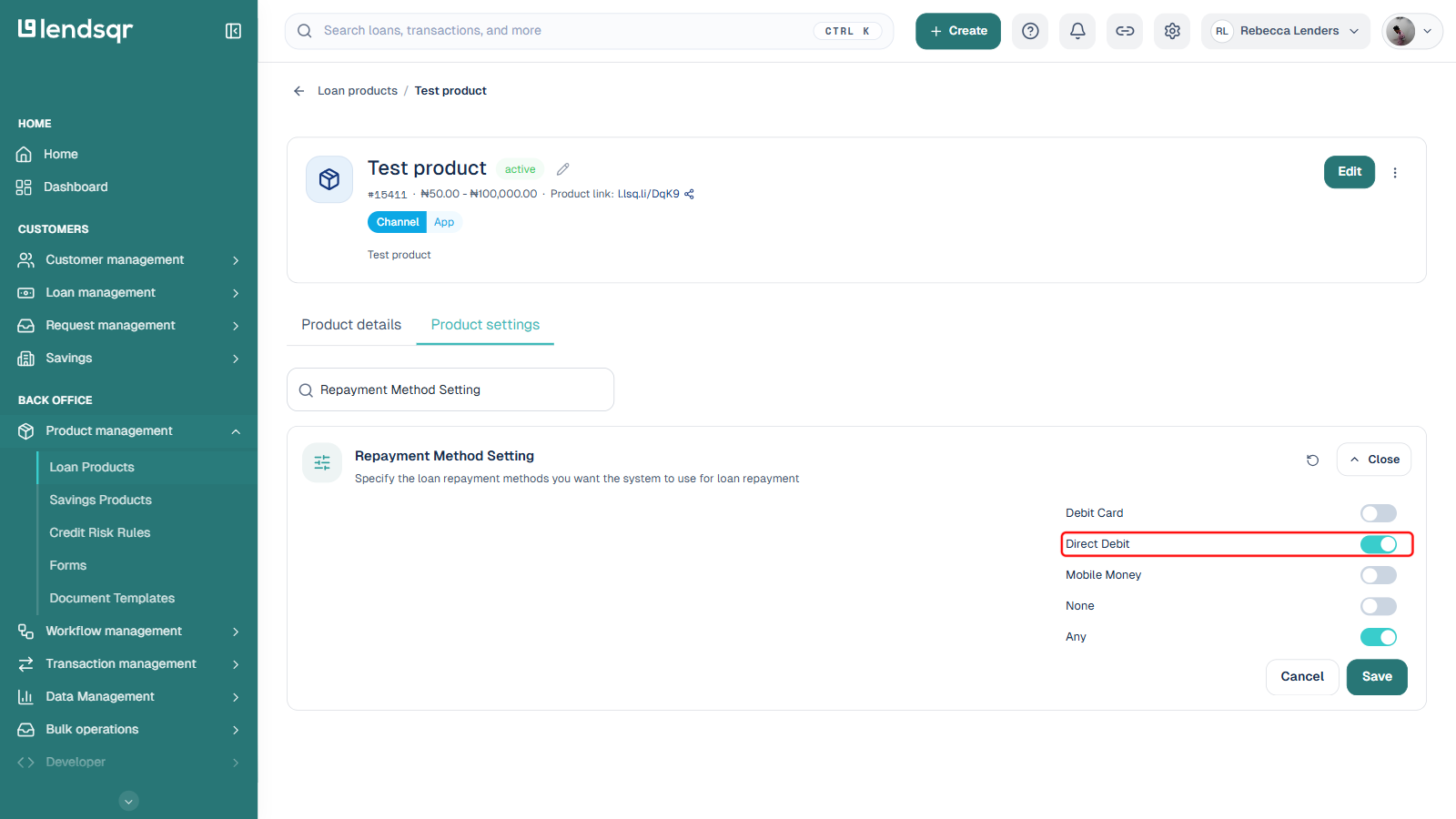
Turn on the Direct Debit toggle. This is one toggle among several, not a single-select choice: Debit Card, Direct Debit, Mobile Money, None, and Any can each be turned on or off independently.
Click Save.
Once direct debit is enabled as a repayment method, borrowers applying for this product must activate a mandate before completing their loan application. See How to activate direct debit with NIBSS e-Mandate for what the borrower goes through.
How to set up a mandate for a user
As a lender on Lendsqr, you can also create a mandate to collect funds for loans that were booked outside the Lendsqr ecosystem. This is done by creating a direct debit mandate on the admin console for the customer’s account. See Creating a direct debit mandate for the steps.