Access your Back Office at your fingertips.
Download the app now on Google Play Store.
Scan the QR code
You can also scan QR code with your phone to download the app.
Understanding your disbursement dashboard
Updated
On this page
Every time you disburse a loan, the funds move through your disbursement account. This account is the financial engine behind your lending operations, it holds the money you use to fund loans, tracks what your customers are owed, and tells you at a glance whether your platform is financially balanced.
The disbursement dashboard gives you a real-time view of four key metrics that together tell the story of your disbursement account’s health. Understanding what each metric means, how they relate to each other, and what to do when something looks off is essential for any lender managing an active loan portfolio.
This guide explains each metric in plain terms, walks you through the actions you can take directly from the admin console, and gives you the tools to prevent and resolve the most common disbursement account issues.
What is the disbursement dashboard?
The disbursement dashboard is the central view for monitoring your disbursement account on the Lendsqr admin console. It is powered by Lendsqr’s internal transfer and disbursement service which holds lender balances in dedicated disbursement wallets, powers interbank transfers when loan funds are sent to borrowers’ bank accounts, and performs full accounting of every debit and credit on your account.
To access the disbursement dashboard, navigate to the back office section on the Lendsqr admin console and select “Disbursement”. This is where you can monitor your real-time balances and take action when any metric requires attention.
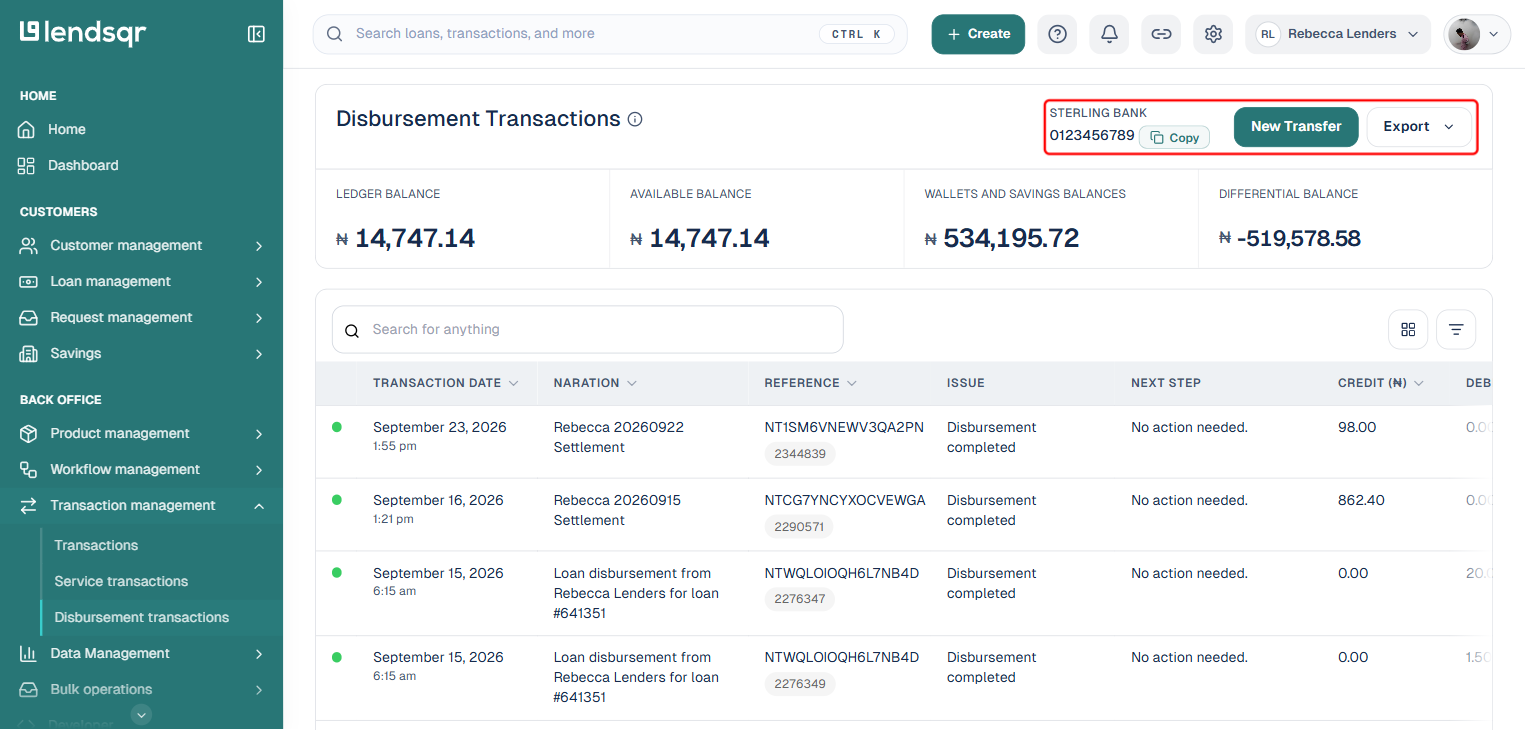
For a detailed history of your disbursement transactions, navigate to Back Office on the left navigation pane, expand “Transaction Management”, and select “Disbursement Transactions”.
Who can access the disbursement dashboard?
Access to the disbursement dashboard is granted to any team member assigned a role that includes the “Disbursements” permission. This permission allows them to view and make disbursements. It is not restricted to default roles like Super Admin or Finance, lenders can create custom roles and assign the Disbursements permission to any team member who needs access.
The four key metrics on your disbursement dashboard
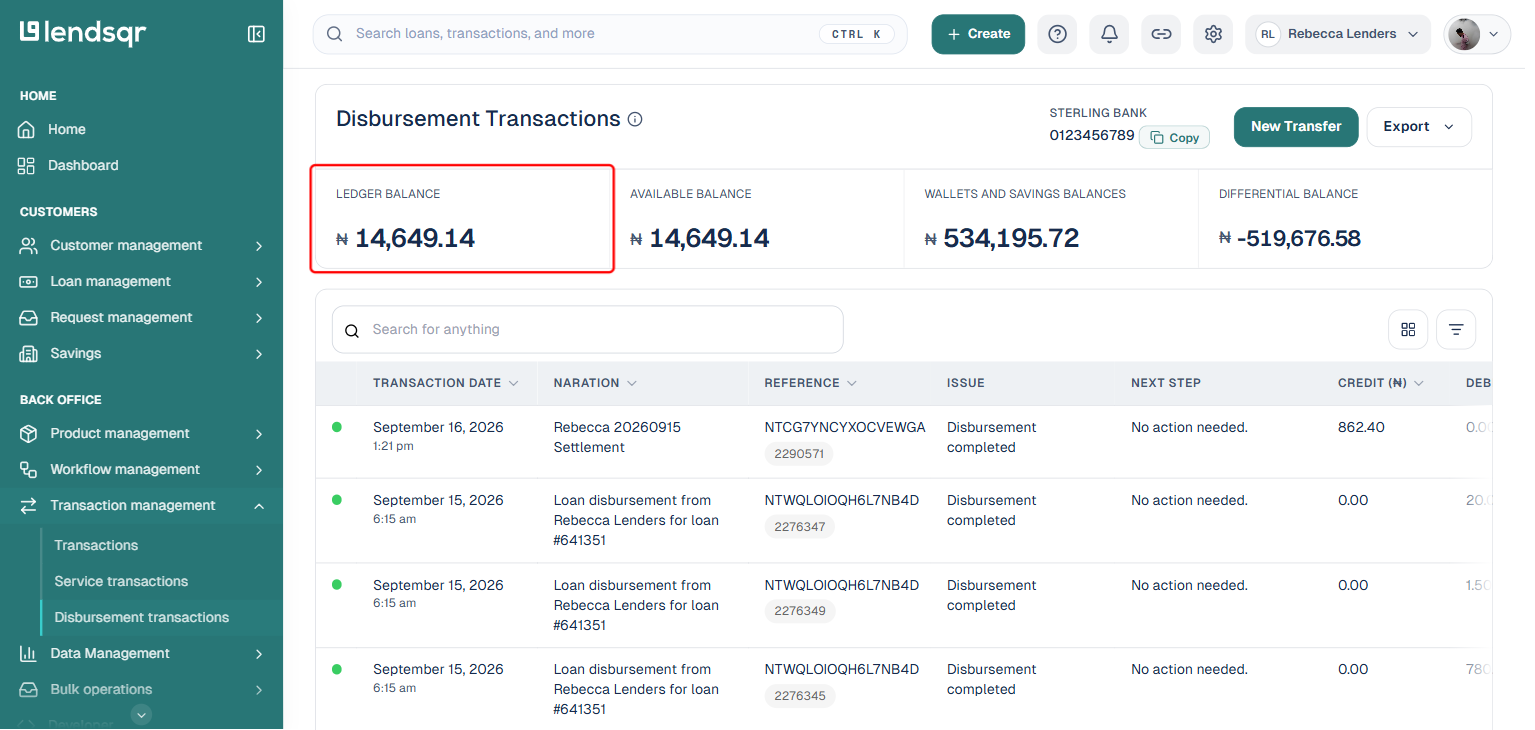
Ledger balance
The ledger balance is the total amount currently sitting in your disbursement account. It is the gross figure, so every naira, cedi, shilling, or dollar that has been deposited into your account, minus any amounts that have already left.
Why it matters: The ledger balance is your starting reference point. It tells you the total funds available in your account before accounting for any pending activity. However, it is important not to rely on the ledger balance alone when making lending decisions, because it does not reflect the full picture of what those funds are committed to.
When to pay attention: If your ledger balance is lower than your customer balance, you have a funding gap. This means the total funds you owe to customers exceed what is actually in your account. This is a situation that must be resolved promptly to avoid being unable to honour customer withdrawals.
Real-world example: A lender has a ledger balance of ₦5,000,000 but a customer balance of ₦6,000,000. This means the lender owes customers ₦1,000,000 more than they currently have in their disbursement account. If multiple customers try to withdraw at the same time, some of those withdrawals will fail. The lender needs to top up their disbursement account immediately.
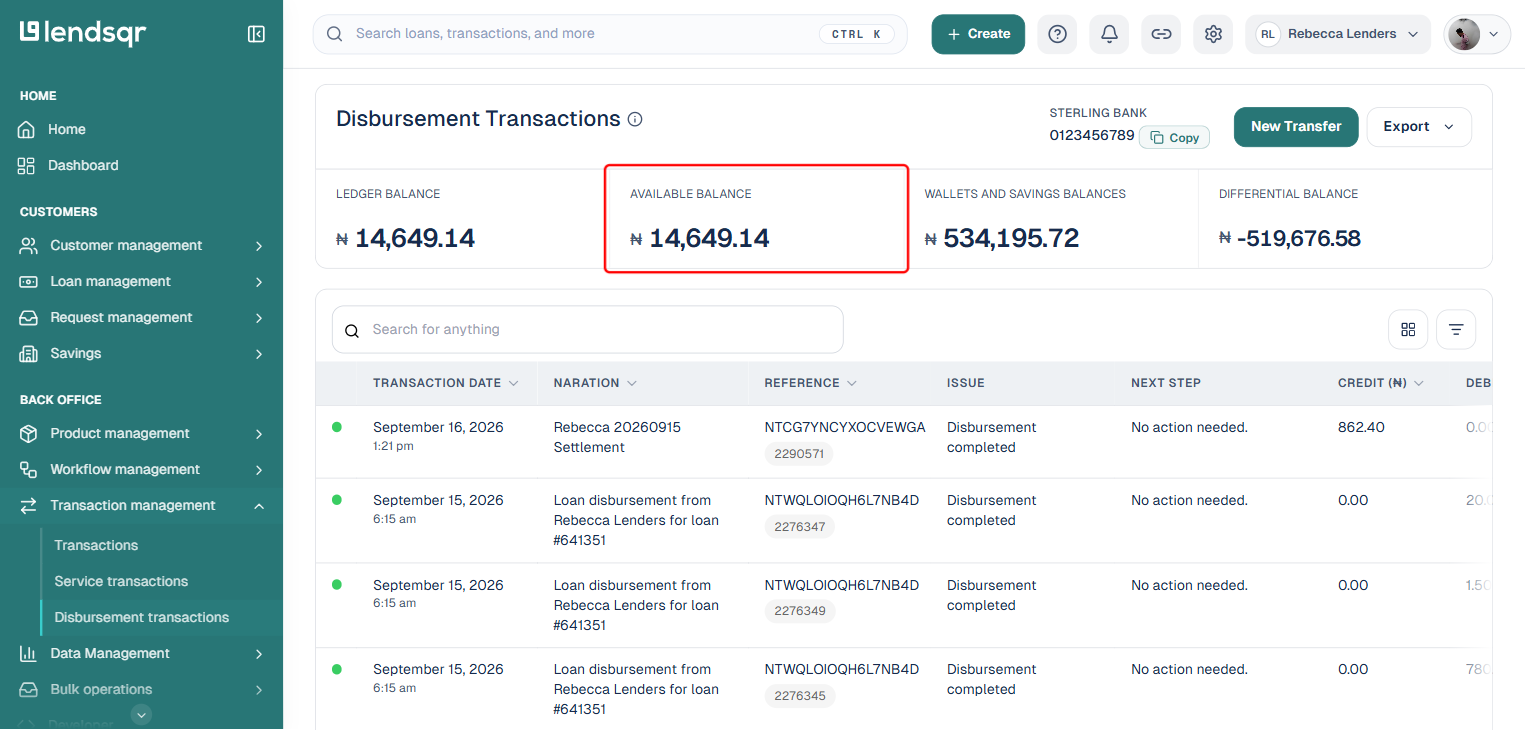
Available balance
The available balance is the amount in your disbursement account that is currently free and available for new loan disbursements. It differs from the ledger balance because it excludes any funds that are tied up in pending or unconfirmed withdrawals.
Why it matters: The available balance is the figure that directly determines whether you can disburse a new loan. If a borrower’s loan is approved but your available balance is insufficient to cover the disbursement amount, the transaction will fail.
When to pay attention: If your available balance is significantly lower than your ledger balance, it is a signal that there are pending unconfirmed withdrawals in the system. These are transactions that have been initiated but not yet fully processed. Monitor this gap regularly: a persistent difference between ledger and available balance may indicate a processing issue that needs investigation.
Real-world example: A lender’s ledger balance shows ₦3,000,000 but their available balance shows ₦1,800,000. The ₦1,200,000 difference represents pending withdrawals that have been requested but not yet confirmed. The lender should not approve new loans totalling more than ₦1,800,000 until those pending transactions are resolved.
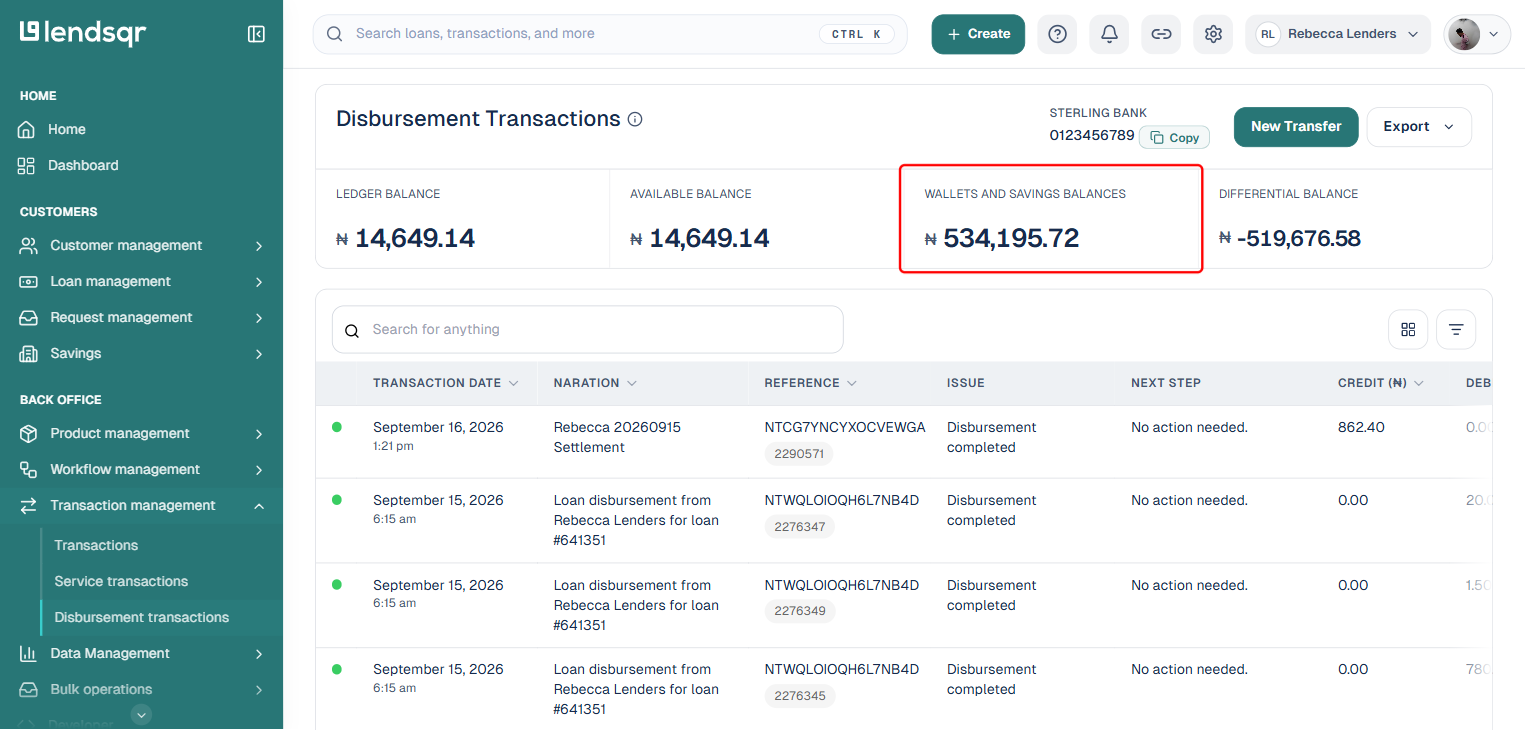
Customer balance
Labelled “Wallets and Savings Balances” on the Disbursement Transactions page.
The customer balance is the total amount held across all of your customers’ wallets, funds that have come in through their own transfers or from loans you have disbursed to them. This figure represents the total amount your platform owes to customers.
Why it matters: Your customer balance must always be matched or exceeded by your available balance. If your available balance falls below your customer balance, customers may not be able to withdraw their funds which is both an operational failure and a reputational risk.
When to pay attention: Watch the relationship between your customer balance and your available balance closely. As you disburse more loans, your customer balance grows. If you are not topping up your disbursement account at the same rate, the gap will widen and eventually create a funding shortfall.
Real-world example: A lender in Kenya has disbursed KES 2,000,000 in loans across 40 borrowers. Their customer balance is KES 2,000,000. Their available balance is KES 2,300,000. This is healthy, the available balance exceeds the customer balance, meaning all customers could theoretically withdraw their funds at the same time and the lender could cover it. If the available balance dropped to KES 1,500,000, the lender would be in a shortfall position and would need to top up immediately.
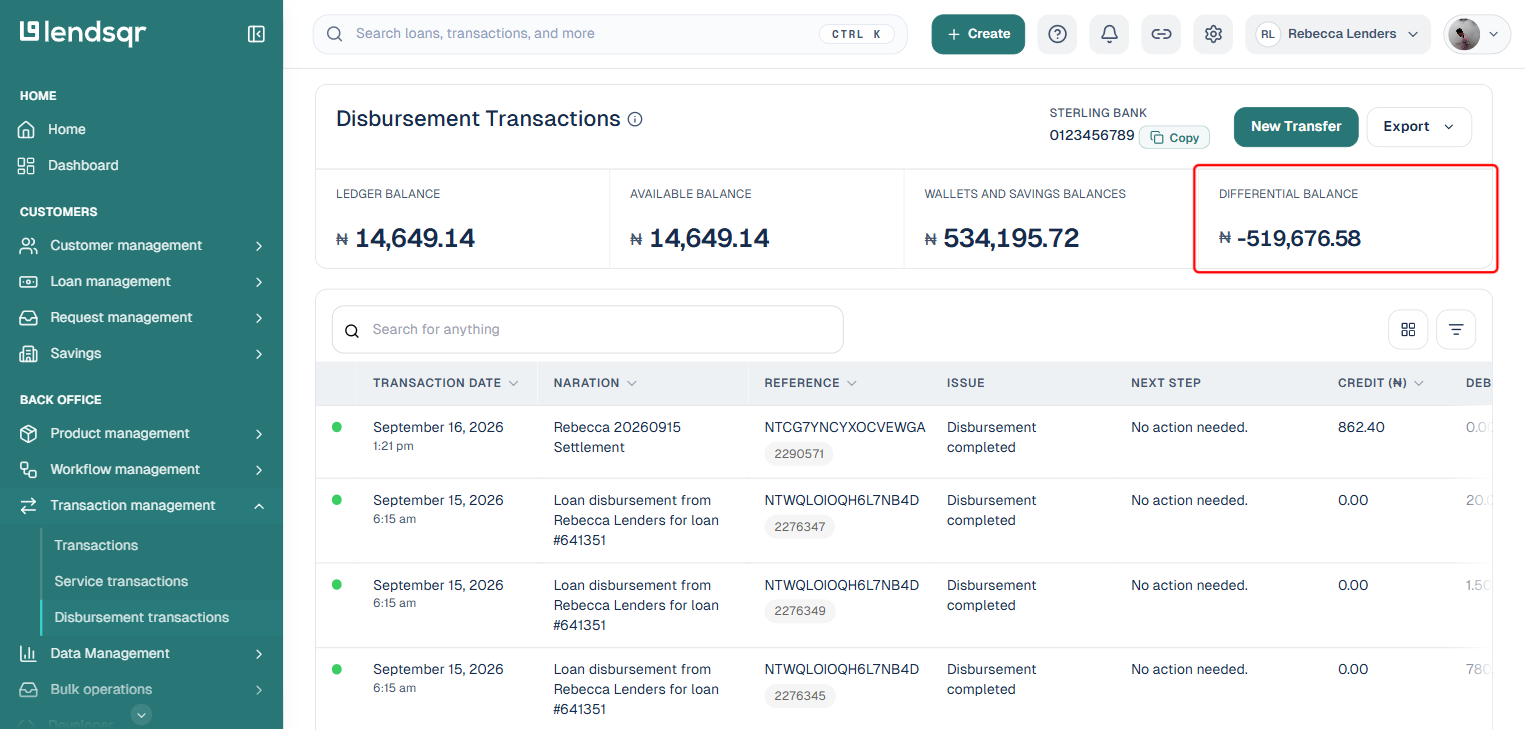
Differential balance
The differential balance is the difference between your available balance and your customer balance. It is the clearest single indicator of your disbursement account’s health.
A positive differential balance means your available balance exceeds what you owe customers. Your account is healthy and you have a buffer to absorb new disbursements.
A zero differential balance means your available balance exactly matches your customer balance. You are fully committed, any new disbursement will immediately create a shortfall.
A negative differential balance means your customers collectively have more funds available for withdrawal than your available balance can cover. This is a critical situation that requires immediate action.
Why it matters: A negative differential balance is the most important warning sign on your disbursement dashboard. It means that if all your customers tried to withdraw their funds at the same time, you would not be able to honour all of those withdrawals. Even if a full simultaneous withdrawal is unlikely, a negative differential puts you at operational and reputational risk.
Real-world example: A lender’s available balance is ₦4,000,000 and their customer balance is ₦4,500,000. The differential balance is -₦500,000. This means customers are owed ₦500,000 more than the lender currently has available. The lender must top up their disbursement account by at least ₦500,000 to bring the differential back to zero, and ideally by more to create a buffer.
How to fund your disbursement account
If any of the metrics above indicate a funding shortfall, you need to top up your disbursement account. The process is straightforward:
Navigate to the Disbursement dashboard under the Back office section.
Locate your disbursement wallet’s virtual account number on the dashboard.
Copy the virtual account number.
Open your bank’s mobile app, internet banking platform, or visit a branch.
Make a standard bank transfer to the virtual account number. The deposit is processed instantly and your balance will update immediately.
Refresh the disbursement dashboard to confirm the new balance is reflected across all four metric cards.
There is no minimum transfer amount. Fund based on your expected disbursement volume and maintain a buffer above your customer balance at all times.
Note: The disbursement account and dashboard described here are available to Nigerian lenders by default. International lenders can access the same functionality once a disbursement provider has been configured for their organisation. If you do not see a disbursement account or the metrics above, contact Lendsqr support to confirm what is configured for your region.
Disbursement reports
Beyond the real-time metrics on the dashboard, you can pull detailed disbursement reports from the Reports section to support reconciliation, auditing, and financial planning. The available reports include:
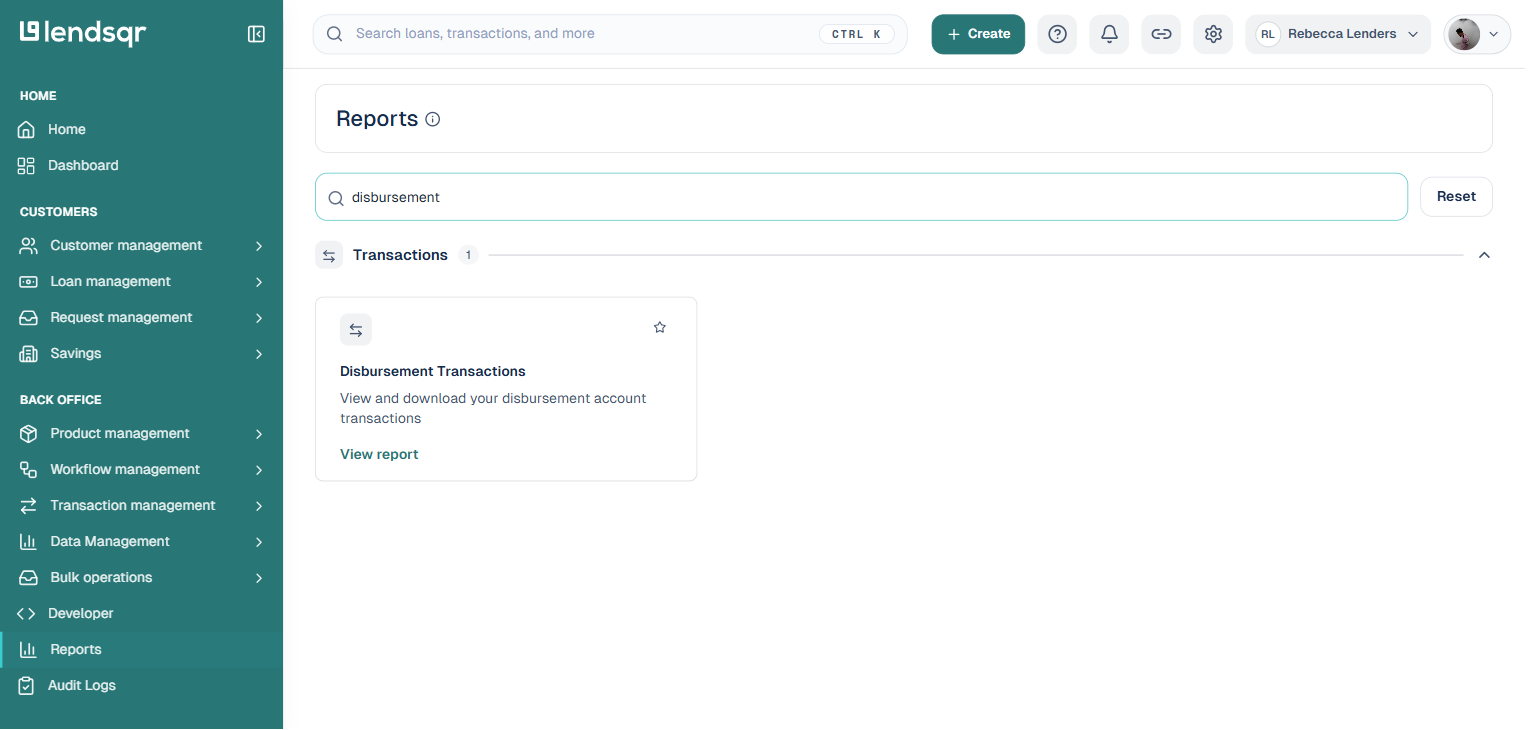
Disbursement transactions A detailed history of all disbursement transactions on your account. Use this report to reconcile individual transactions and track the flow of funds in and out of your disbursement wallet.
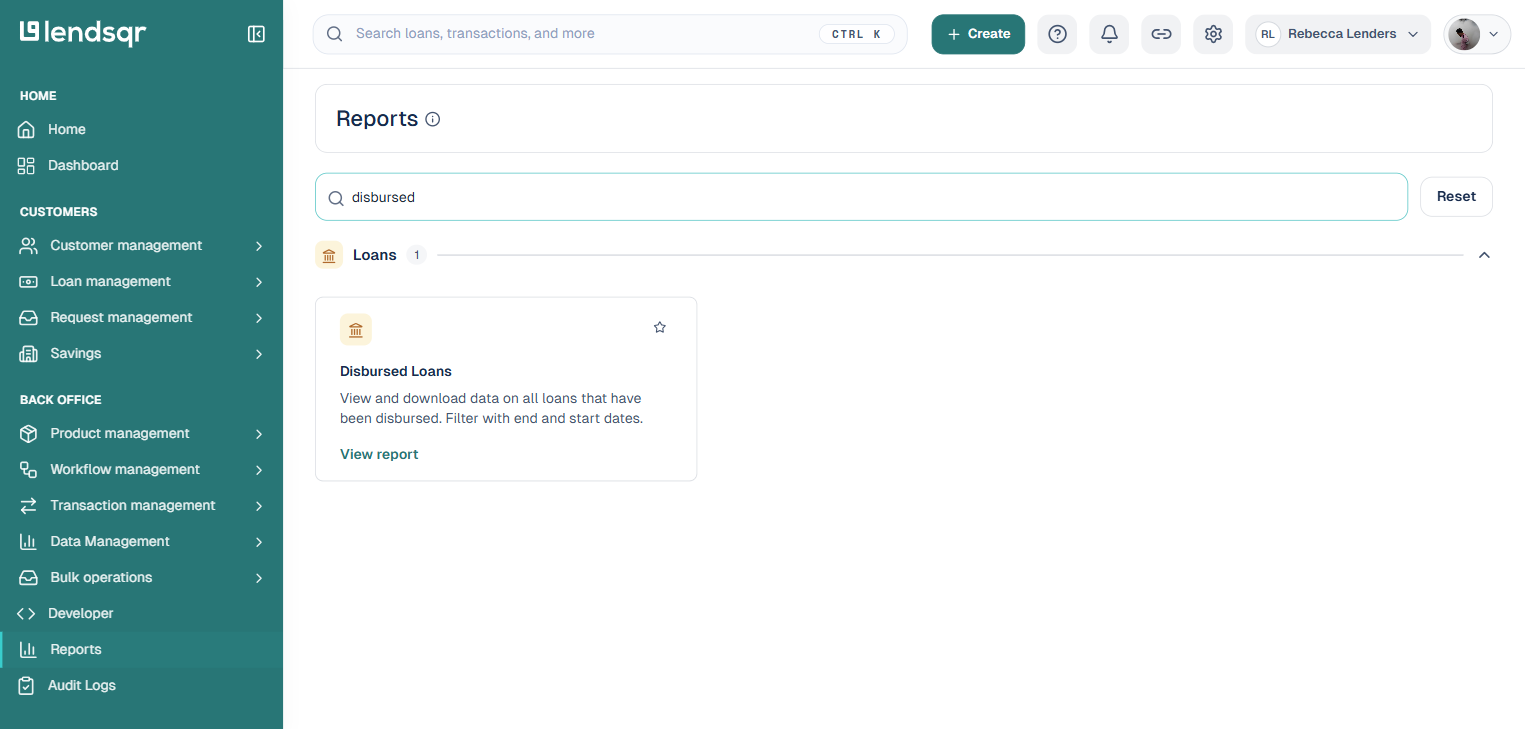
Disbursed loans A report of all loans that have been successfully disbursed to borrowers. You can filter this by start and end date to view disbursements within a specific period.
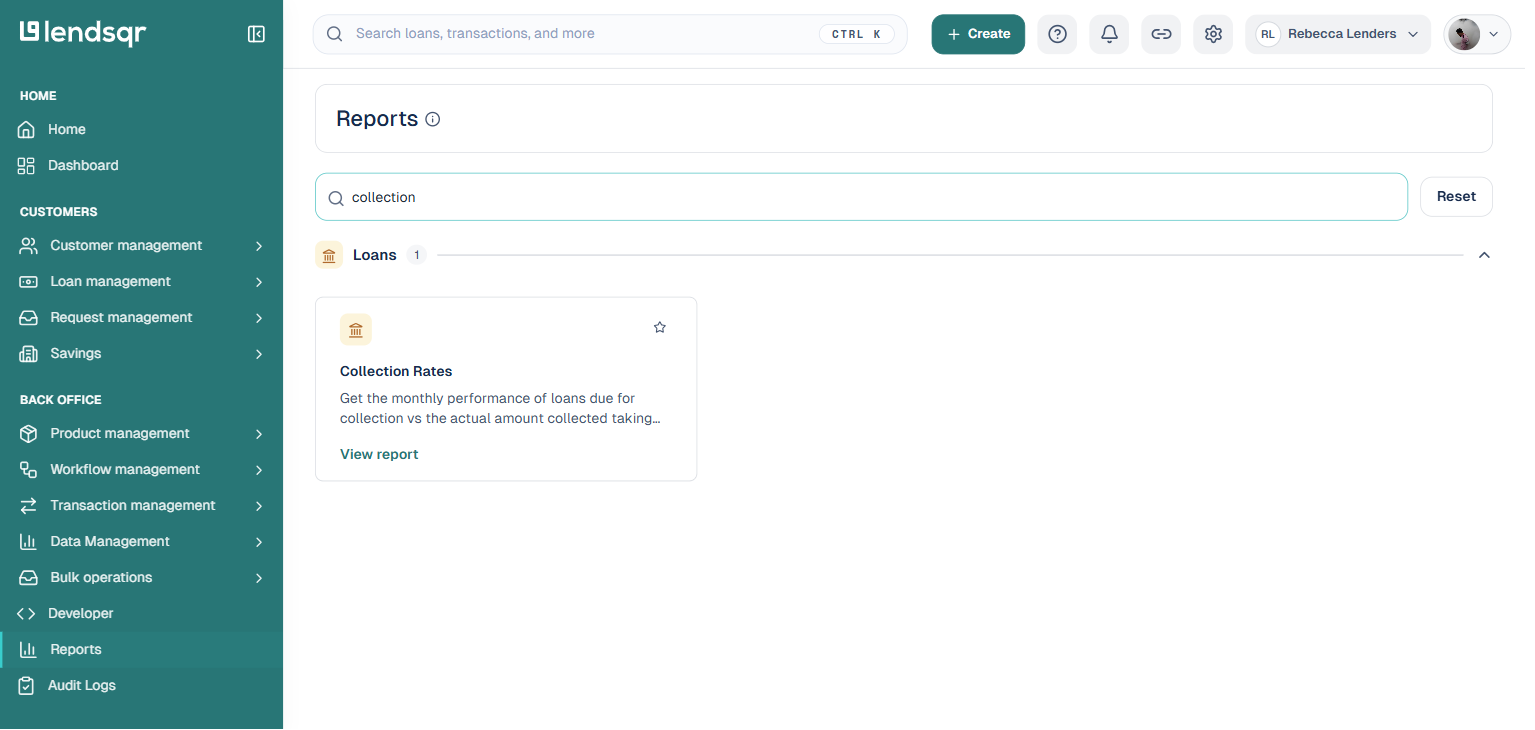
Collection rates The monthly performance of loans due for collection versus the actual amount collected. This report is particularly useful for understanding repayment performance over time and can be filtered by date range.
To access these reports, navigate to Back Office and select “Reports”.
Best practices for managing your disbursement account
Monitor your differential balance daily Make it a habit to check the differential balance on your disbursement dashboard at the start of each working day. A positive differential gives you confidence to approve new loans. A zero or negative differential is your signal to top up before approving further disbursements.
Top up proactively, not reactively Do not wait until your differential balance turns negative before funding your account. Estimate your expected disbursement volume for the week and top up in advance. A buffer of at least 20 to 30 percent above your customer balance is a sensible target.
Reconcile weekly using disbursement reports Pull the Disbursement Transactions report at the end of each week to confirm that every transaction is accounted for. If you notice a discrepancy between your ledger balance and available balance that persists for more than 24 hours, investigate immediately.
Coordinate disbursements with your funding schedule If you are processing a large batch of loan approvals, ensure your available balance is sufficient to cover all of them before proceeding. Approving loans that cannot be funded due to an insufficient available balance creates failed transactions and a poor borrower experience.