Access your Back Office at your fingertips.
Download the app now on Google Play Store.
Scan the QR code
You can also scan QR code with your phone to download the app.
Test and Live mode
Updated
On this page
The Developer APIs provide two distinct modes so you can safely test each service, at no extra cost, before going live: Test mode and Live mode.
Test mode
Test mode is designed for developers and integrators to simulate the platform’s functionality without using real data or affecting live operations. These calls return dummy data at 0 cost, so you can explore every service without any business or cost implications.
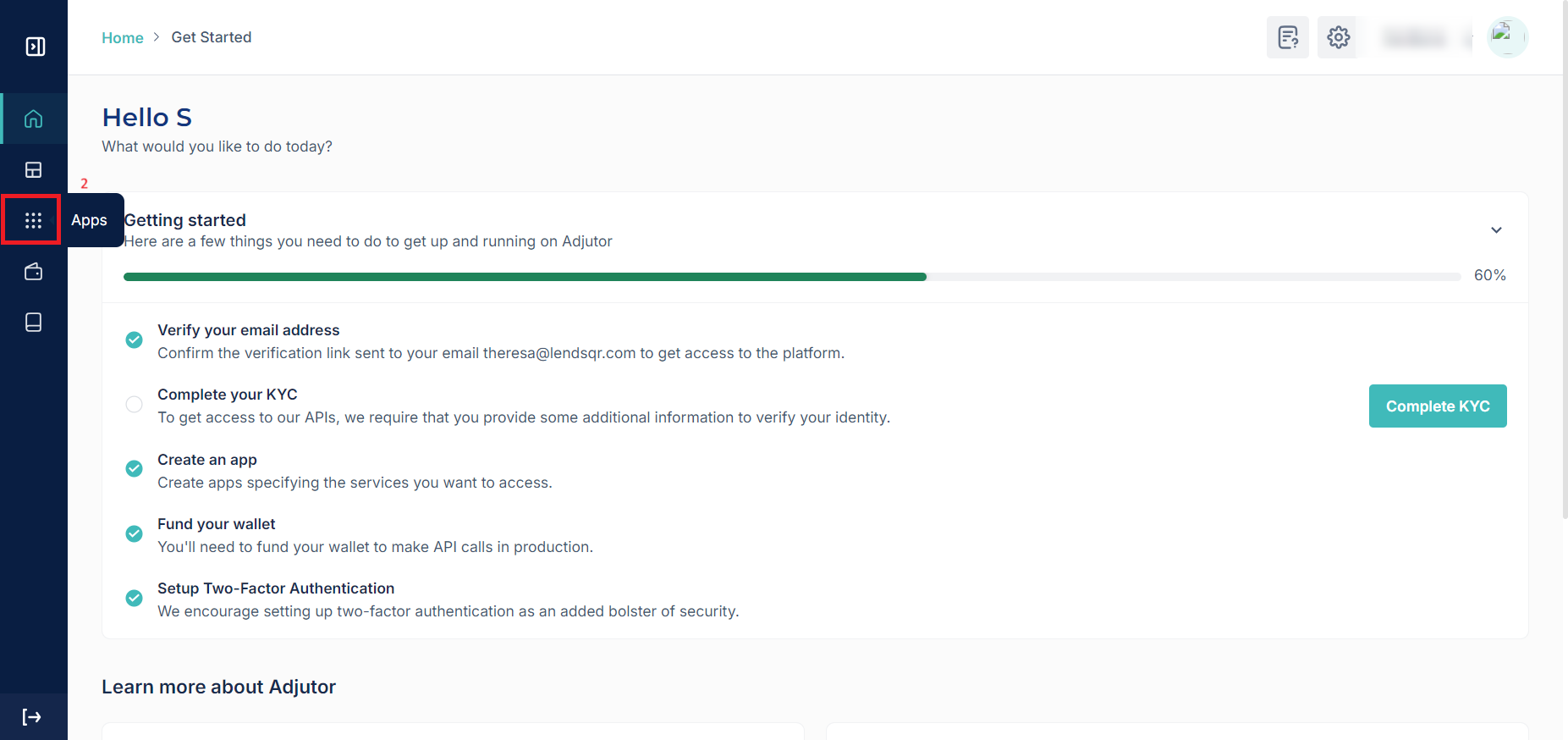
Test mode is available to every API user, including organizations that haven’t completed KYC validation yet: in fact, it’s the only mode available until KYC is complete. This keeps things compliant and reduces the risk of fraudulent activity.
Live mode
Live mode is the production environment: it returns actual user data and comes at a cost. We use a no-hit-no-charge policy, so you’re only charged for successful calls.
On the app’s page, you’ll see a toggle in the top right corner. By default, this is set to Test mode. To switch to Live mode, you need to submit your KYC documentation and have it approved.
The API keys for both Test and Live mode are the same, as well as the base URLs. The only thing that changes is the mode toggle on the app itself.