Access your Back Office at your fingertips.
Download the app now on Google Play Store.
Scan the QR code
You can also scan QR code with your phone to download the app.
Understanding data lookup on the admin console
Updated
On this page
The Data Lookup feature on the Lendsqr Admin Console is a dedicated feature that allows lenders to manually verify customer information using multiple verification services. With this module, lenders can perform quick checks like BVN validation, bank account verification, and NIN verification directly from the admin interface without relying on external platforms.
You can find the Data Lookup module under Request management on the side navigation bar of the Admin Console. Once opened, it presents a central interface for running various types of data checks, along with a history of past lookups.
Lookups are grouped into two categories, General and Credit Bureau, chosen from a Category dropdown before you pick the specific check.
The General category covers identity and contact verification:
National Identity Number (NIN)
Bank Verification Number (BVN)
Bank Account Verification
Karma Blacklist
Email Verification
Phone Number Verification
MTN SIM Swap, Activation, and Recycle Verification
Combined BVN and Account Number Verification
Credit bureau checks work differently from the others: picking the Credit Bureau category surfaces a second dropdown listing individual report types from CRC, CreditRegistry, and First Central, each with its own description and cost, rather than a single generic bureau lookup. A short summary-style report and a full detailed report from the same bureau are priced and listed separately, so it’s worth picking the specific type that matches what you need. Whichever type you pick, submitting the form still just asks for the customer’s BVN.
After submitting the form, the system processes the request, displays the results, and automatically logs the check under the account’s lookup history.
Running a lookup from a customer or loan request
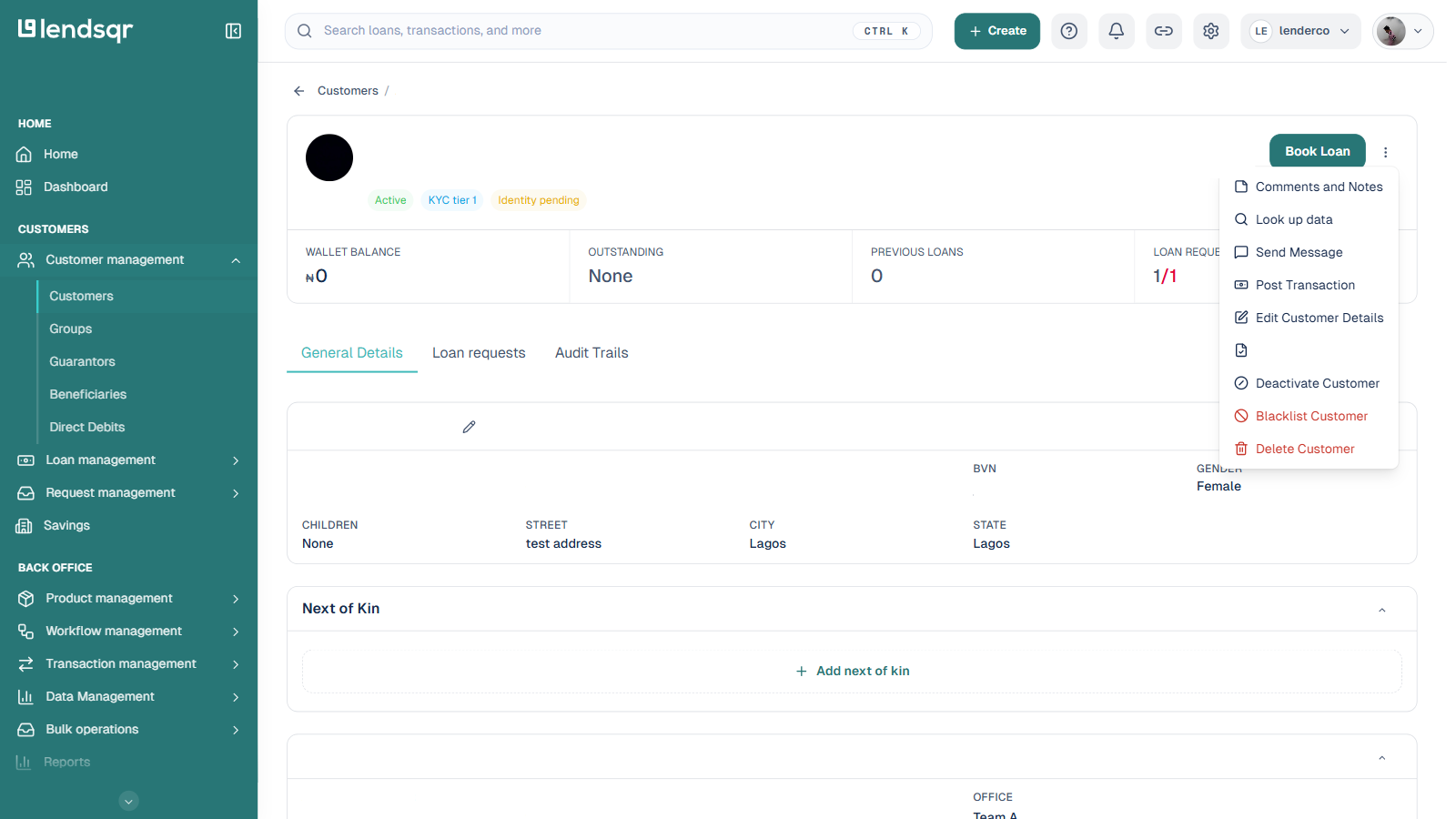
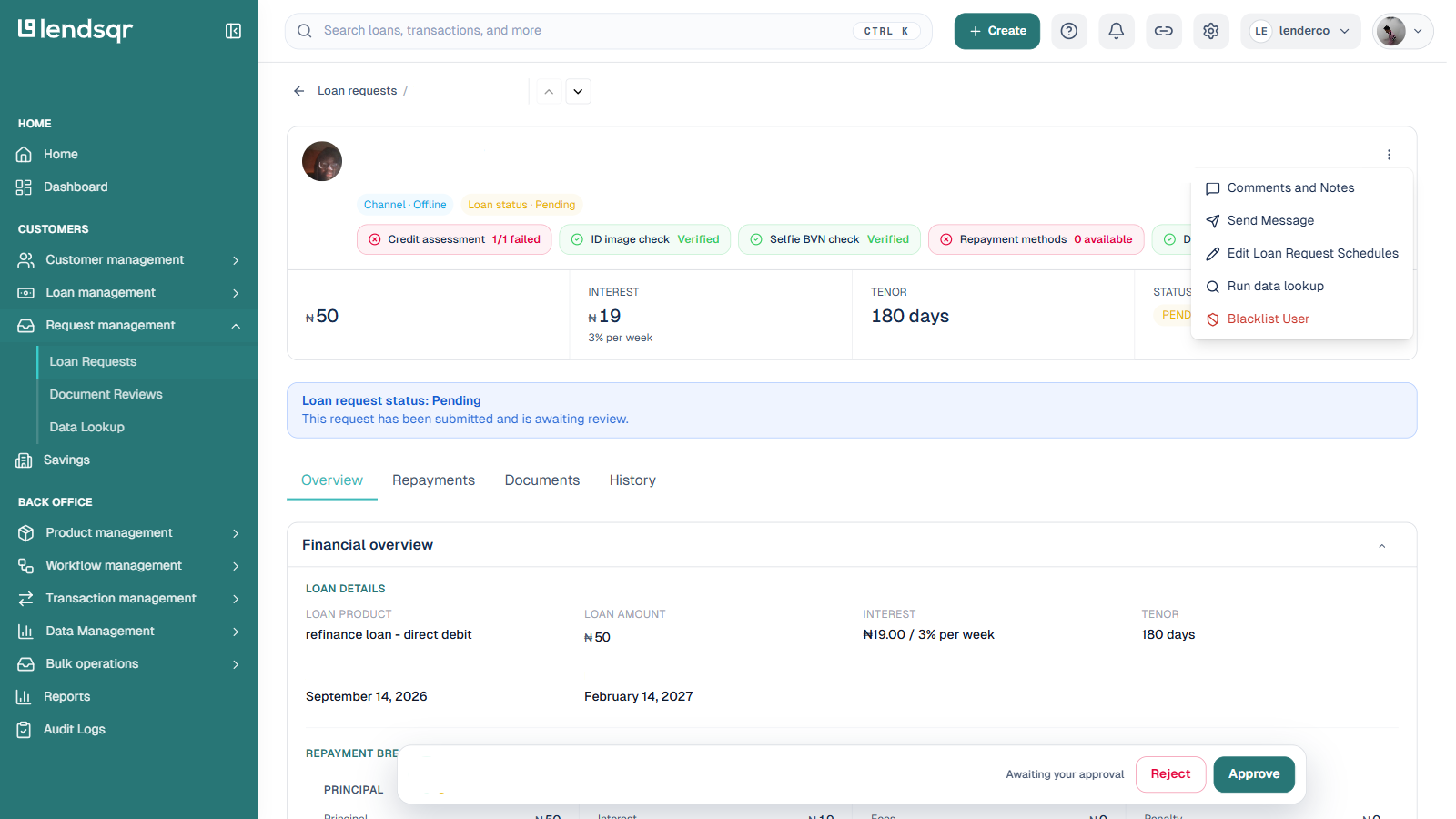
You don’t always need to start from the Data Lookup module itself. A customer profile’s More actions menu has a Look up data option, and a loan request’s More actions menu has a Run data lookup option. Both open the same lookup form, pre-filled with that record’s customer, so you don’t have to search for them again.
This module significantly enhances efficiency for lenders by:
Providing a centralized dashboard for all verification tasks
Offering real-time results that are displayed immediately after submission
Eliminating the need to rely on third-party tools or Adjutor for manual data checks
Ultimately, Data Lookup empowers lenders to make more informed lending decisions quickly and securely, streamlining the manual verification process while ensuring accuracy and speed.