Access your Back Office at your fingertips.
Download the app now on Google Play Store.
Scan the QR code
You can also scan QR code with your phone to download the app.
Managing System Settings
System settings are various configurations that drive your organization’s operations. The system settings control different aspects of the mobile app. This section allows you to manage providers, different integrations, access tokenkeys, etc. In this section, you can;
Configure your disbursement provider and change the API keys, username, password, etc.
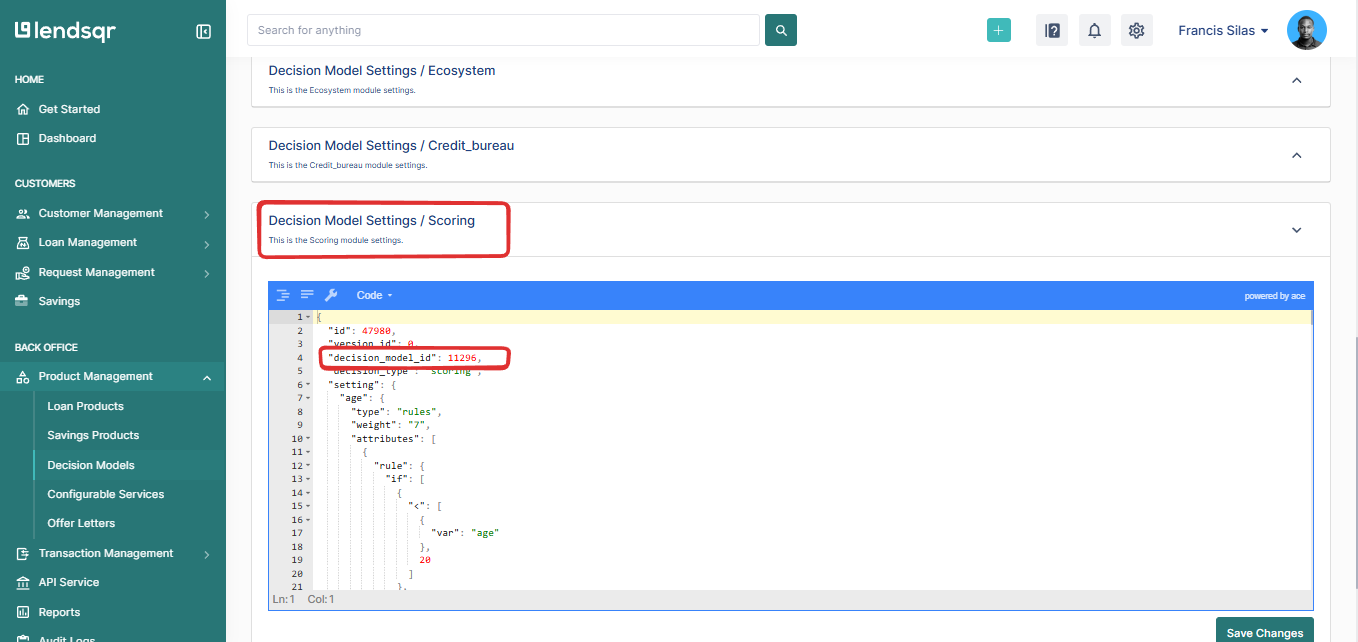
Set the scoring provider (e.g. Oraculi) to be used
Manage the notification settings.
Manage your integration configurations like access tokens and API keys etc.
Kindly note:
The fields available in the system settings section are based on the existing integrations already done.
To change certain providers and their corresponding attributes, you can contact Lendsqr support through support@lendsqr.com
Categories of System Settings
Data and Integration: These settings manage API integrations, data connections, and synchronization with external systems. They ensure reliable data exchange between the platform and third-party services.
General: These settings define core application behavior and default configurations that apply across the platform.
Messaging and Notifications: This category controls email, SMS, push notifications, and in-app alerts for both users and admins, including sender details and notification preferences.
Organization and Business Profile: These settings manage company information, organizational structure, user roles, and administrative access within the platform.
Payments and Collection: These settings control transaction processing, payment methods, disbursements, collections, and settlement workflows.
Product: This group defines how products are configured, managed, and made available, including feature rules and lifecycle management.
Security: These settings manage authentication, access control, and data protection to safeguard the platform and its users.
System: This category covers platform-level configurations, operational controls, maintenance options, and service toggles.
Underwriting and Credit Risk: These settings define credit policies, risk assessment rules, scoring configurations, and loan eligibility criteria.