Access your Back Office at your fingertips.
Download the app now on Google Play Store.
Scan the QR code
You can also scan QR code with your phone to download the app.
How to customize NIN verification for your customers
National Identification Number (NIN) verification is a crucial step in the loan application process, ensuring compliance and data accuracy. However, errors during NIN registration can sometimes result in mismatched or incorrect customer details, creating friction. To address this, this update allows you to tailor how NIN verification is performed. You can now define which data fields are cross-checked with your customer’s Bank Verification Number (BVN) data, providing flexibility while maintaining regulatory compliance.
Learn how to how to enable NIN verification on your loan product here.
Here’s how to set up and customize NIN verification for your loan products.
Why Customize NIN Verification?
Adaptability: Adjust the verification process to account for minor discrepancies in registration data, such as name spelling errors or date format variations.
Customer Experience: Simplify the application journey, reducing unnecessary rejections due to mismatched data.
Compliance: Stay aligned with regulatory standards while providing a more seamless process for customers.
How to Configure NIN Verification
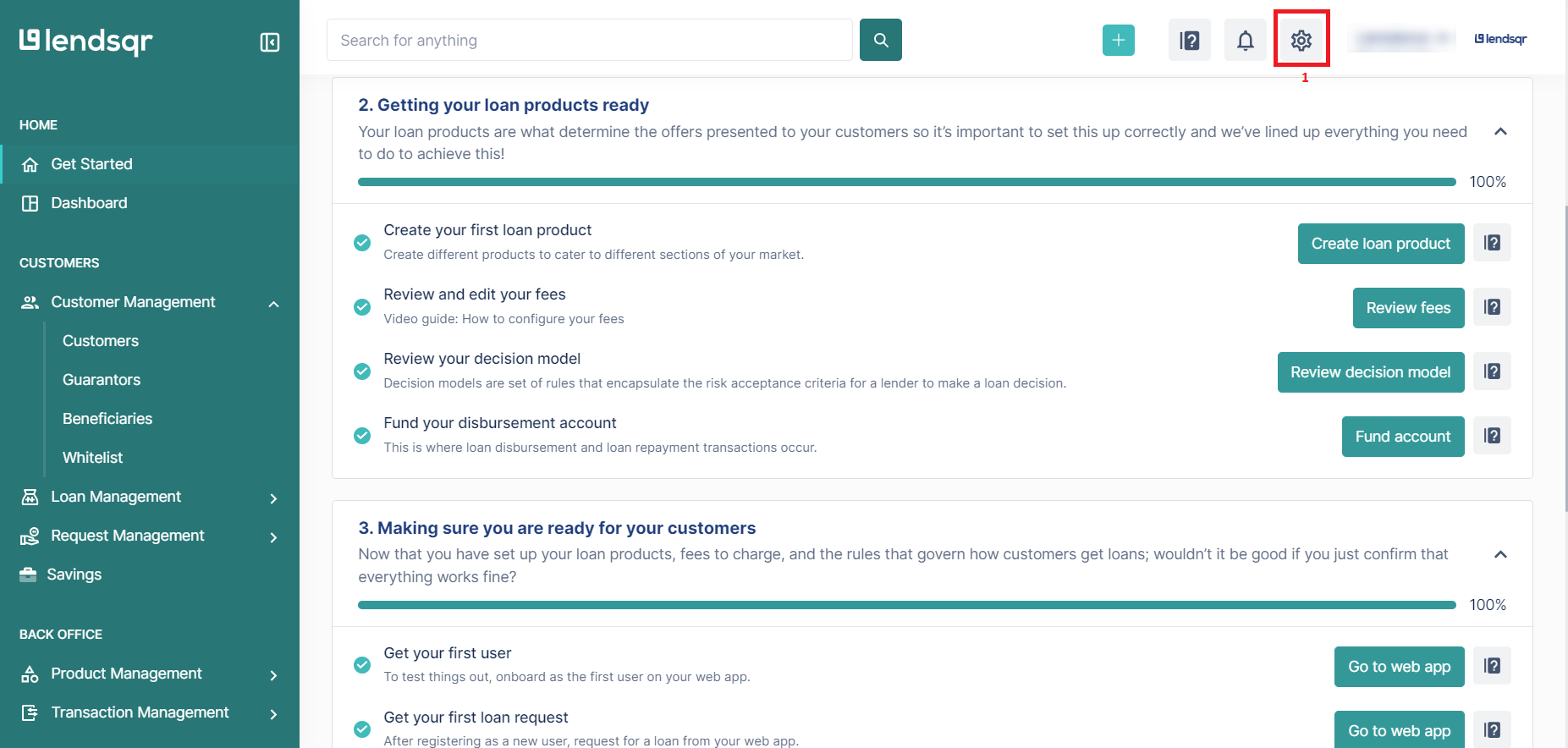
Click on the “Settings” icon at the top right corner of your screen.
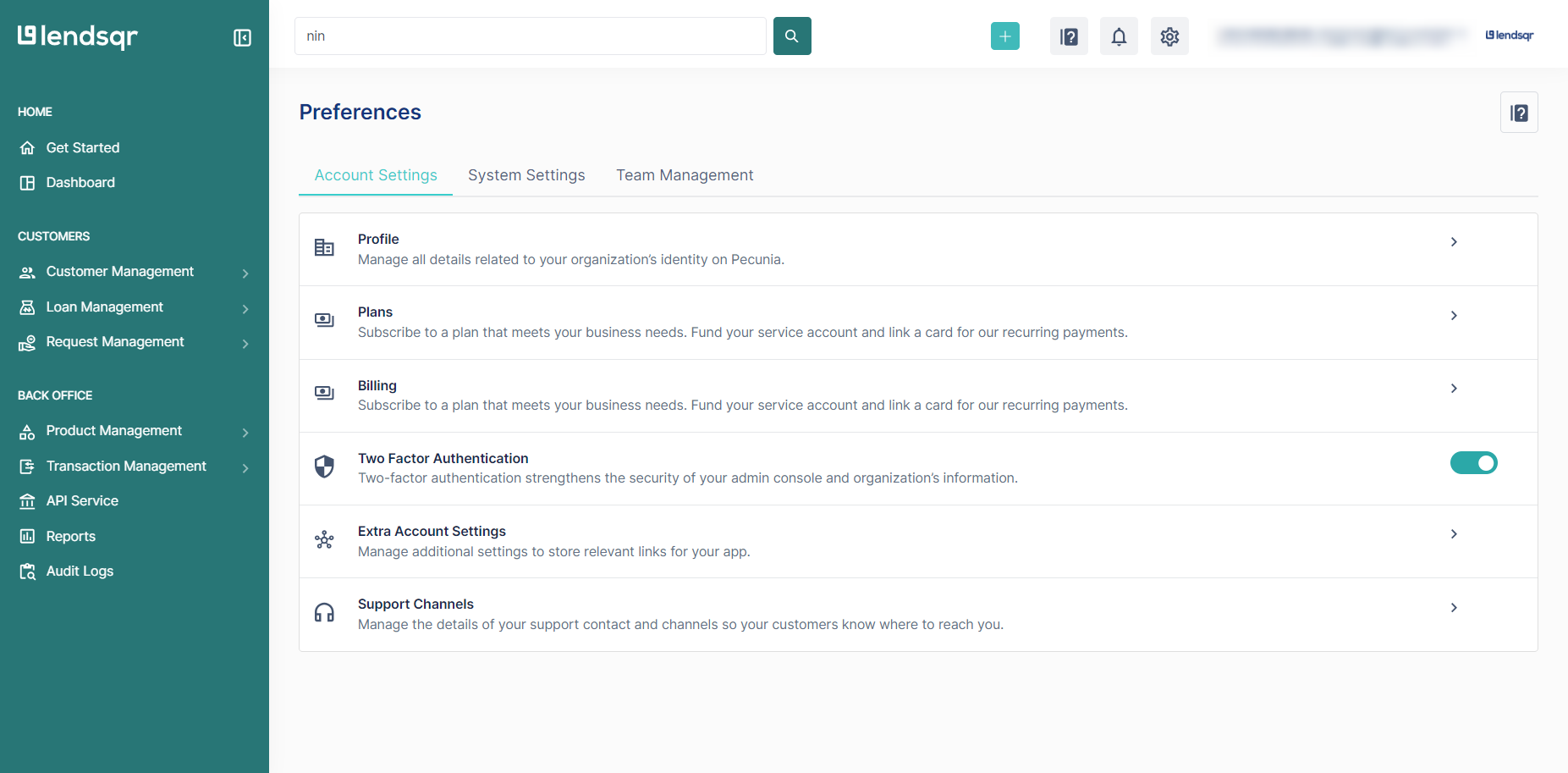
Click on the System Settings tab
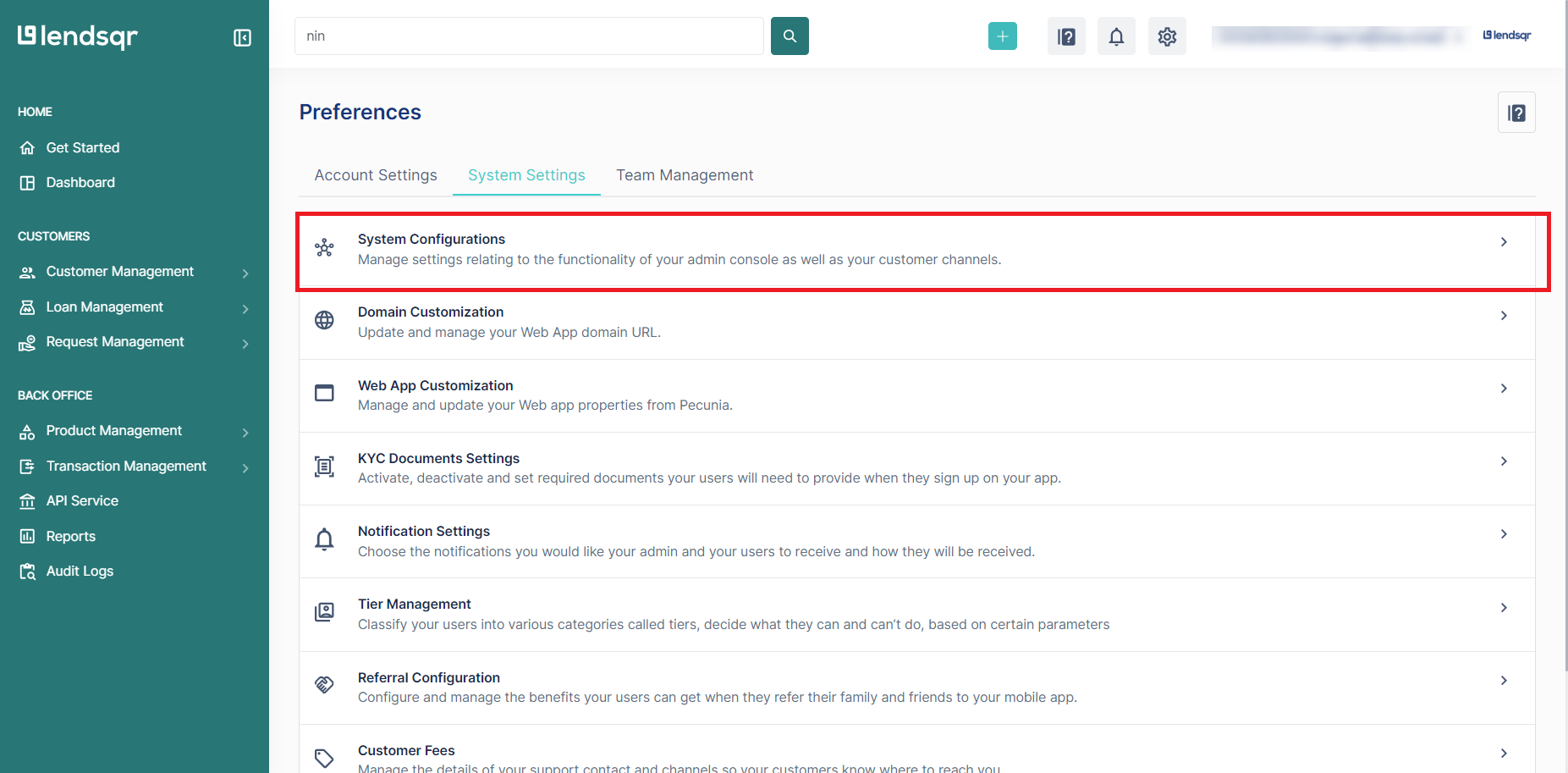
Click on “System Configurations” in the resulting page.
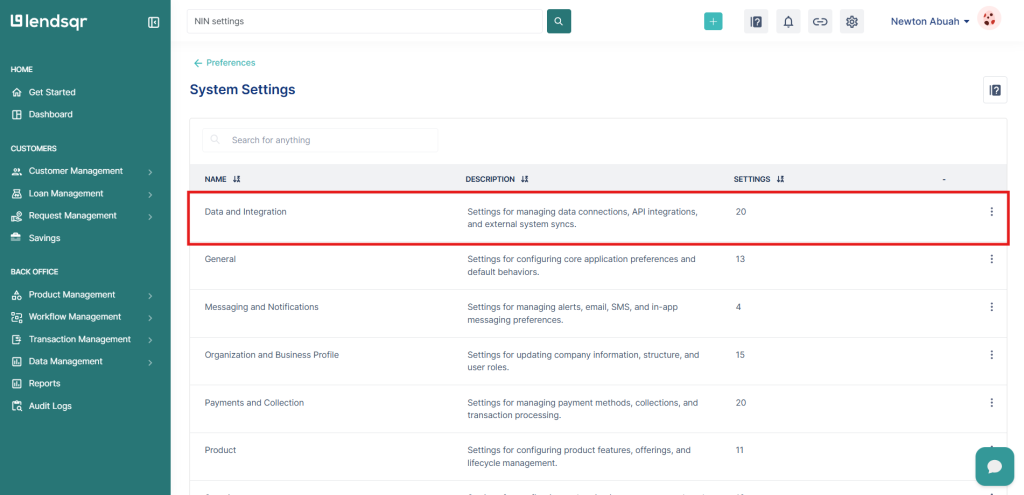
Click on “Data and Integration”
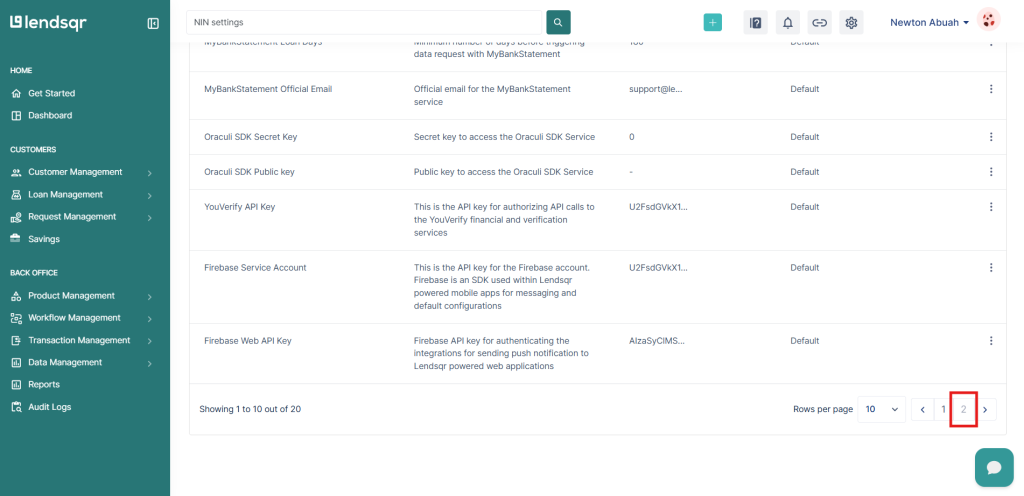
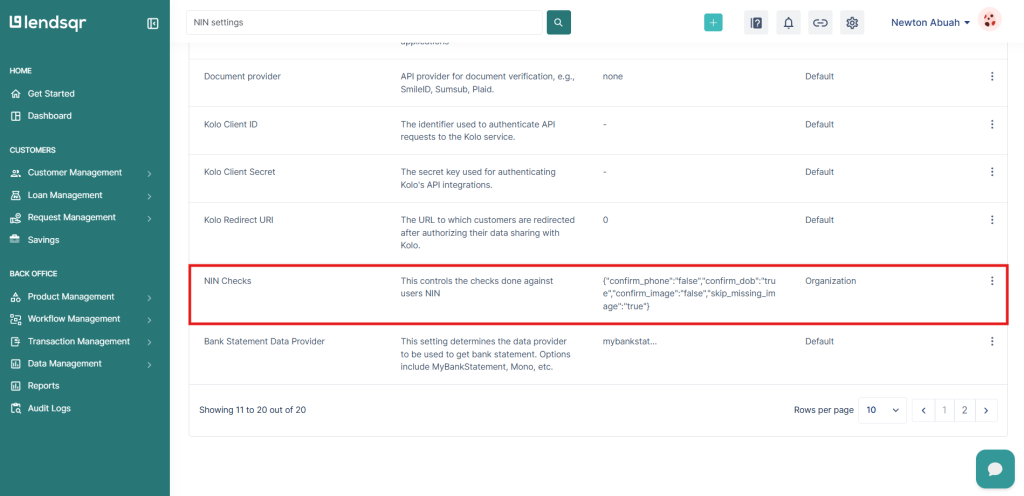
5. Navigate to the second page and select “NIN Checks”
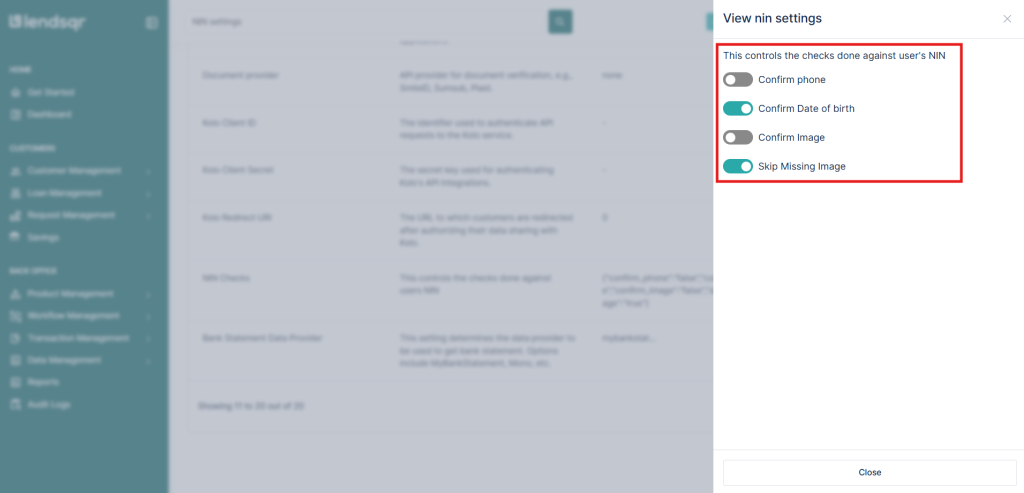
6. This setting has the below saved on default i.e only the customer’s date of birth is verified. Use the toggles to select your desired NIN checks.
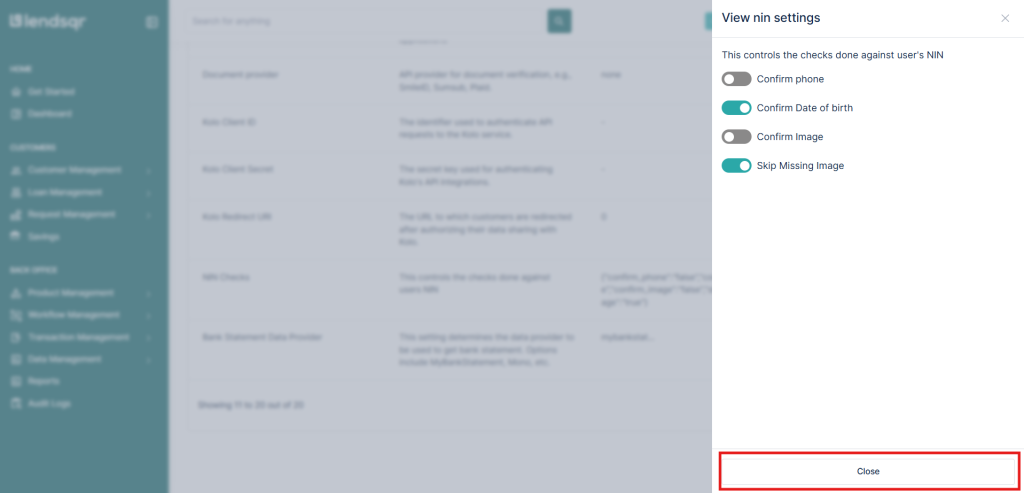
7. Click the “Close” button to save your settings.