Access your Back Office at your fingertips.
Download the app now on Google Play Store.
Scan the QR code
You can also scan QR code with your phone to download the app.
How to enable notifications for different events
Introduction
Enabling notifications for different events is essential to keep lenders and users informed about important activities and actions on the platform. These notifications, whether related to transactions, loan repayments, or other significant events, help enhance user engagement and provide timely updates.
On the Lendsqr platform, notifications are sent through the following channels:
Email: Sent to the user or admin’s registered email address, ideal for detailed communication and formal updates.
SMS: Short text messages sent to the user or admin’s mobile phone, perfect for time-sensitive alerts like loan repayment reminders.
Push Notifications: Instant alerts delivered via the platform’s mobile or web application, best for immediate actions or updates.
This guide provides steps to enable notifications for various events and ensure timely communication with users.
Steps
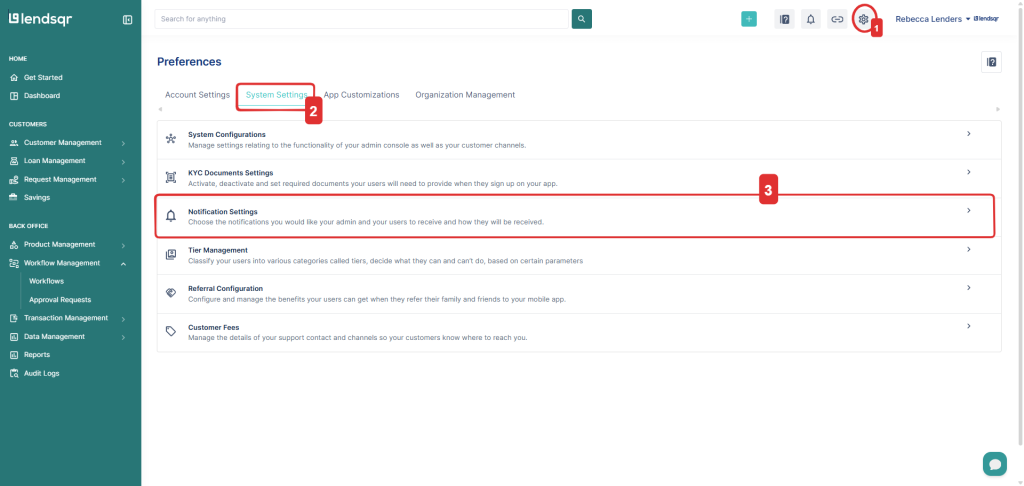
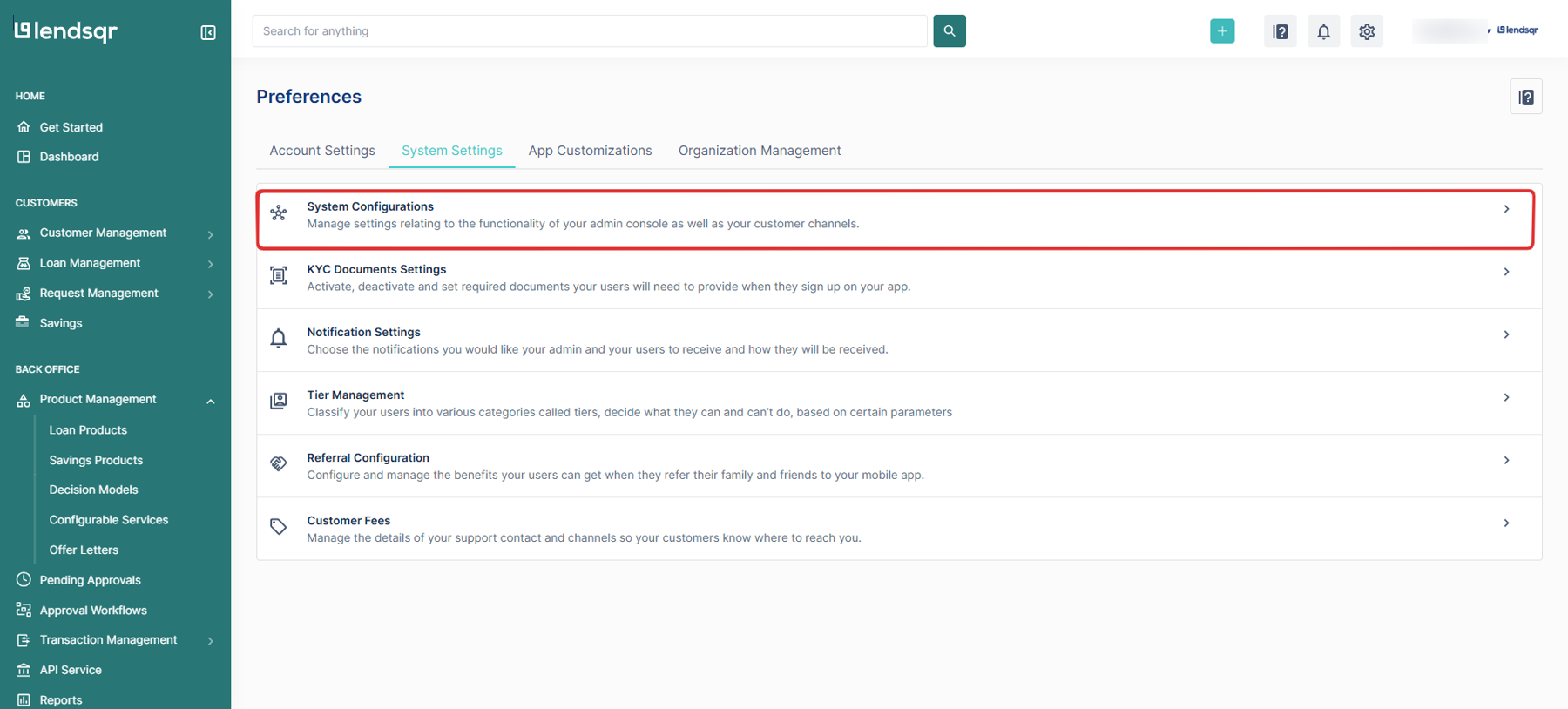
Navigate to Preferences by clicking the gear icon at the top navigation bar
Go to the system settings tab
Click on Notification settings from the resulting page
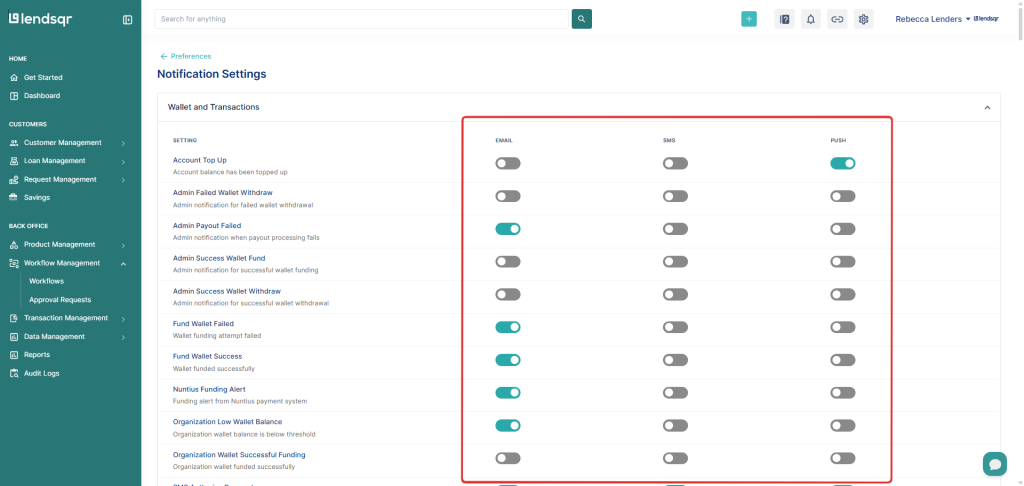
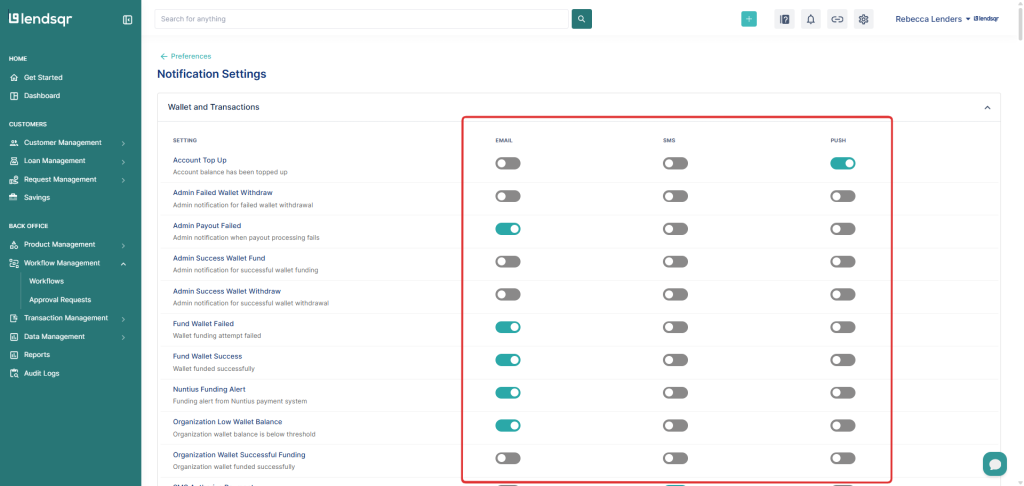
In the Notification Settings section, you will find a list of different notifications and notifications channels that can be enabled or disabled as needed.
There are several notification types that serve different purposes on the platform.
By enabling the appropriate notifications, users and admins can stay on top of key events and activities, ensuring timely and efficient operations on the platform.