

This guide explains how authorized admins can download a transaction receipt for a specific user directly from the admin console.
Step by step guide
1. Log in to the Admin Console and locate the user. You can refer to the guide on how to search and select a user.
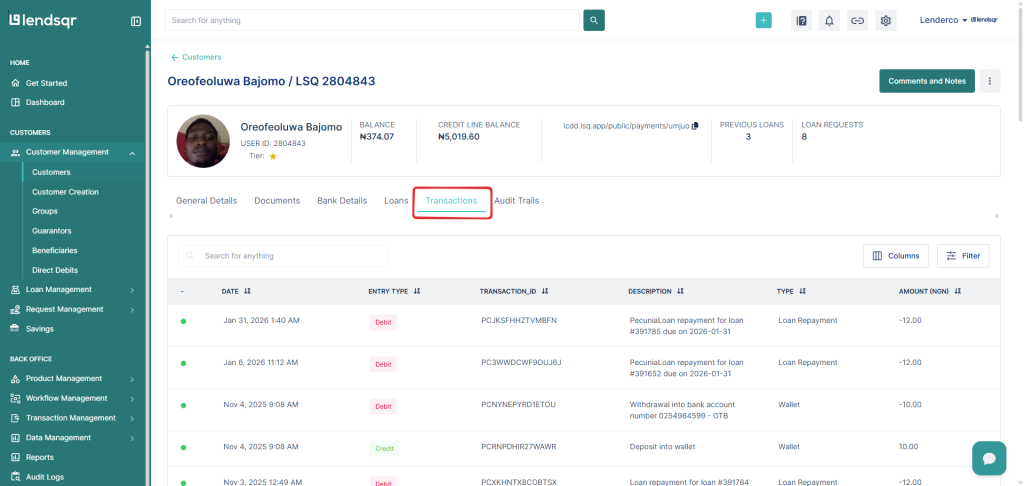
2. Click on the Transactions tab within the user profile to view all transactions linked to the user.
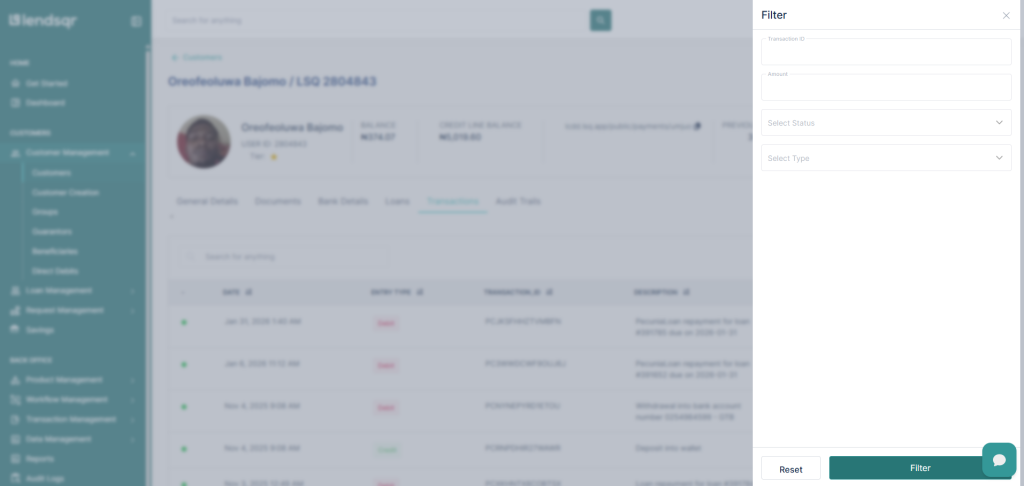
3. Find the specific transaction using filters such as date, status, transaction type, or transaction ID.
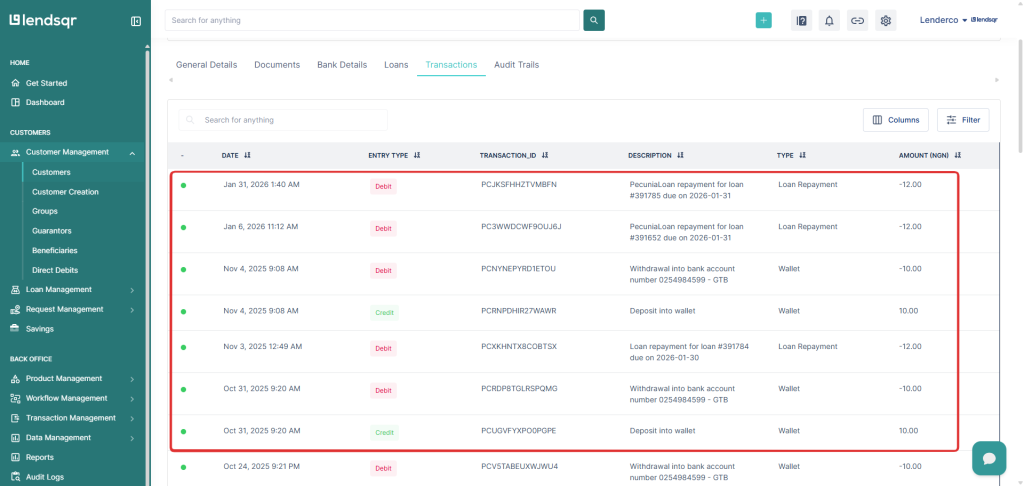
4. Click the transaction to open the transaction details page.
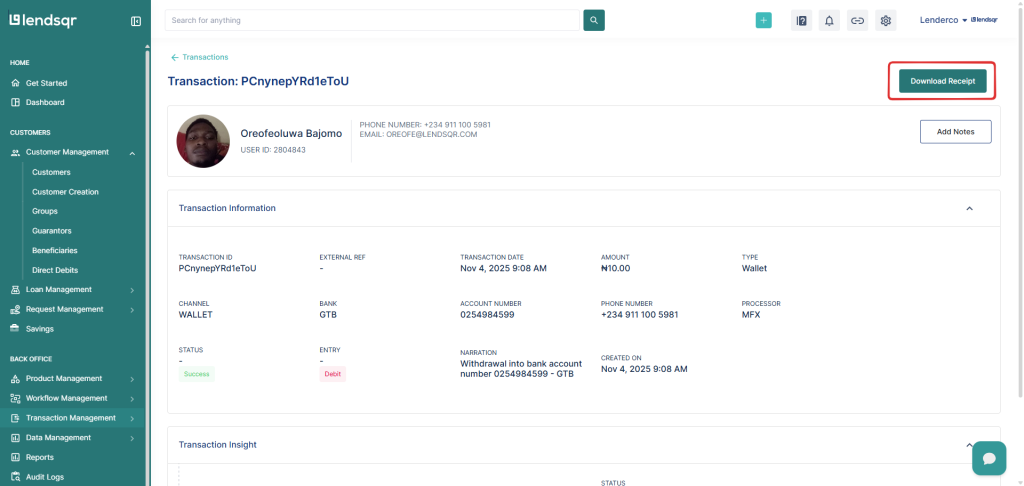
5. Click Download Receipt to save the receipt to your device as a PDF file.
Related Guides:

