

When a group is created, its default status is set to “Inactive.” To activate the group, follow these steps:
- Navigate to “Customer Management” and select “Groups.”
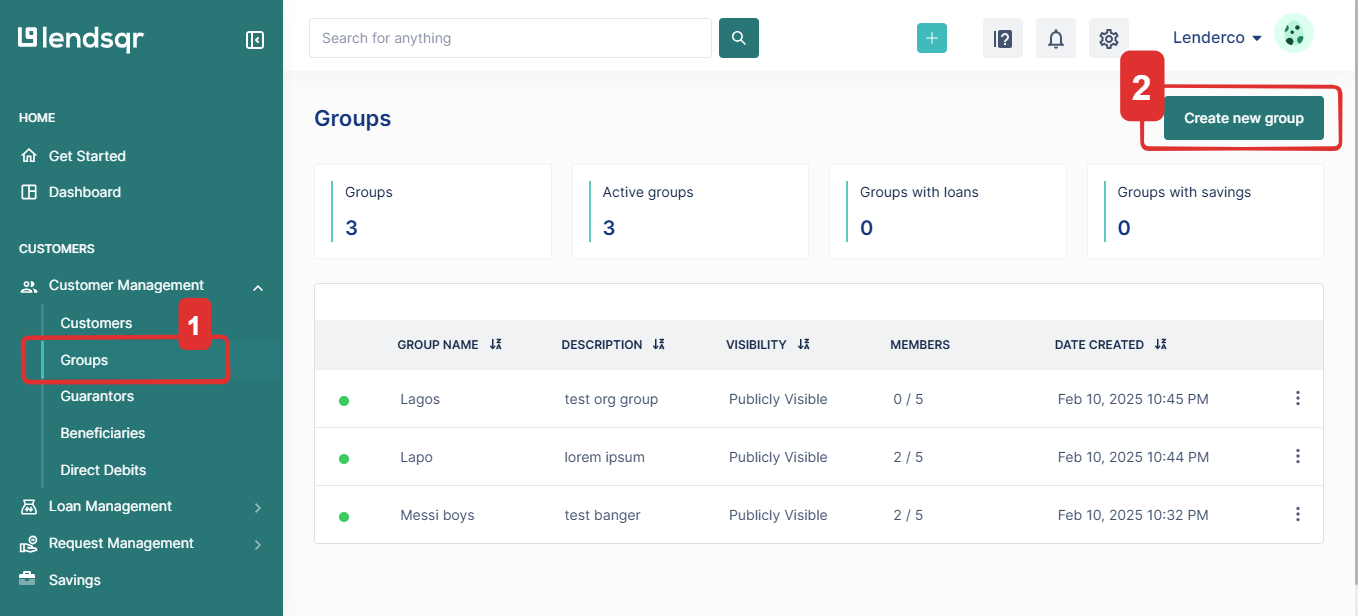
- Select a group from the list of available groups.
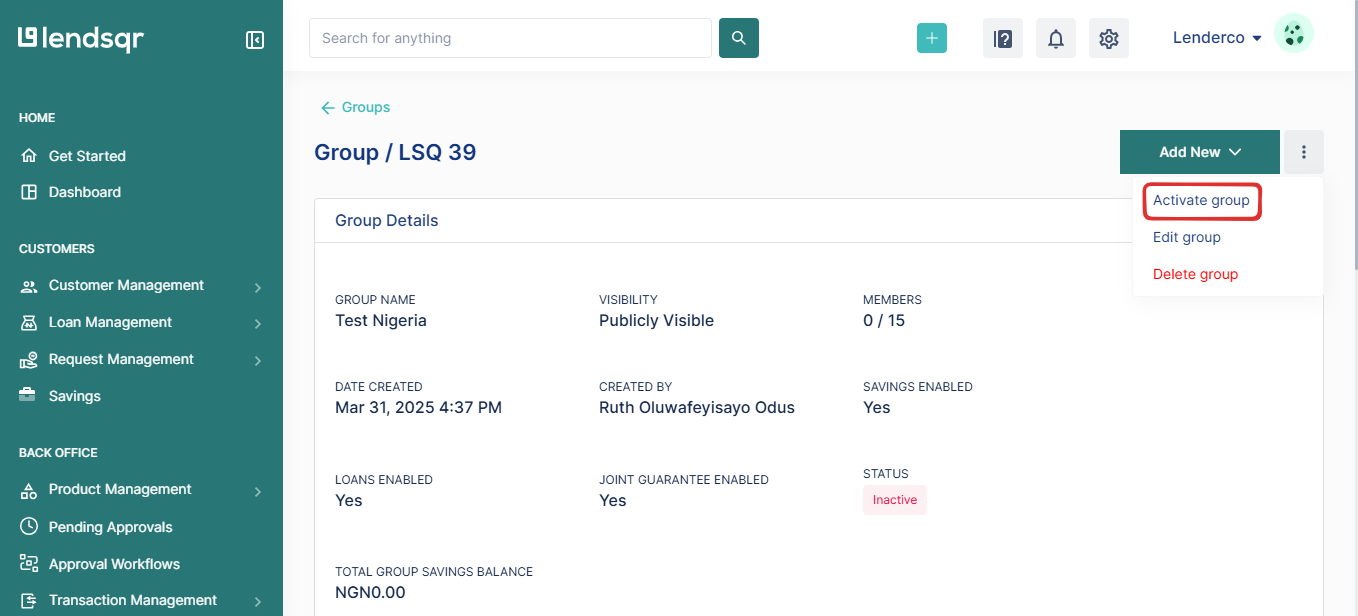
- Click on the more options (:) menu and choose “Activate Group.”
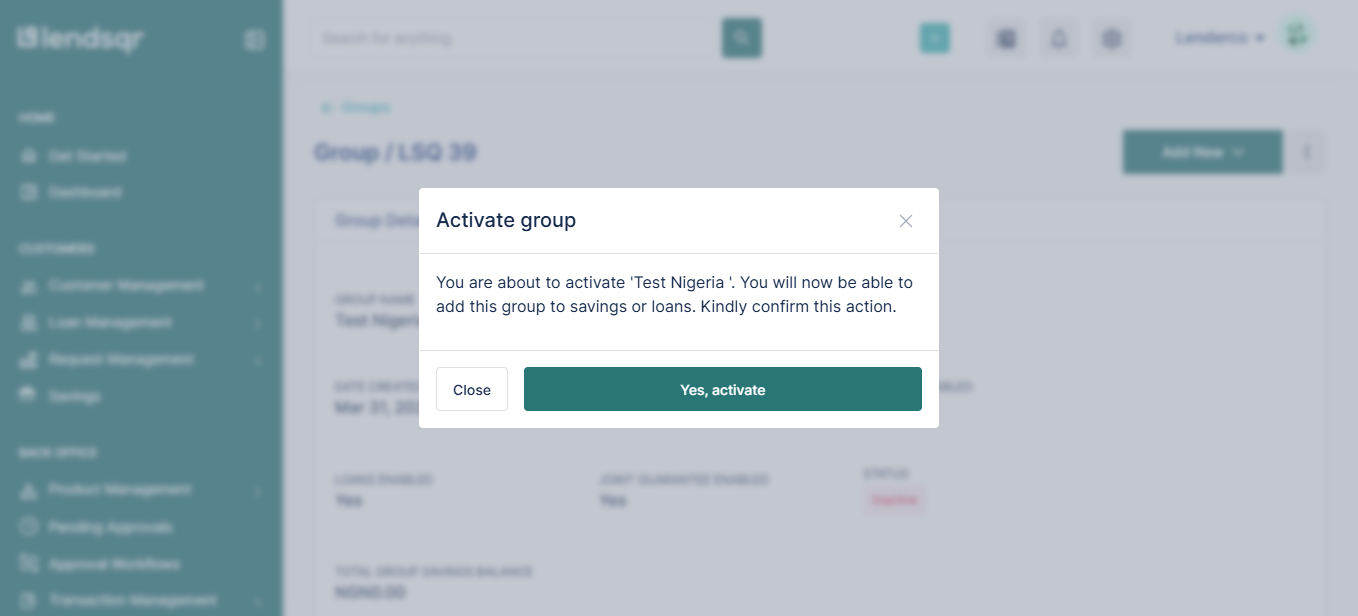
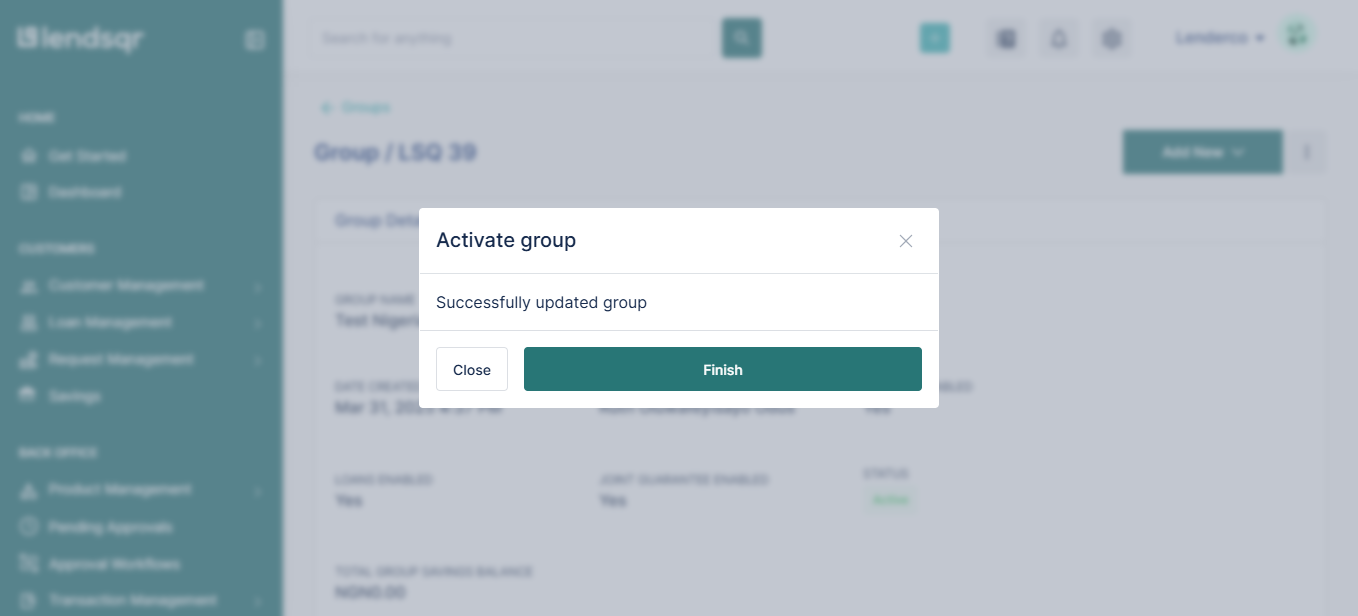
- Click “Yes, Activate” to complete the activation process
Related Guides:

